November 2, 2026 · 14 min read
Noisy Room Captioning: How to Keep Live Captions Accurate
Live captions get less accurate in loud rooms. Learn why, and how mic placement, audio feeds and testing keep captions readable on every phone in the room.

Live captions can work well in a noisy room, but only if the speech reaches the captioning system clearly. Noise, distance from the microphone and people talking over each other are what cause most errors. You can control all three. Put the microphone close to the speaker, send the cleanest audio you can to the captioning tool, and test before the doors open.
This guide covers why noise hurts captions, what errors to expect, and the setup steps that fix most problems. It also covers how automated and human captioning differ, and what to do when your event is multilingual.
TL;DR
- Noise is the main enemy of caption accuracy. Research on automatic speech recognition shows accuracy starting to fall at a 10 dB signal-to-noise ratio and dropping sharply at 5 dB.
- The fix starts at the source: a close, directional microphone and one speaker at a time.
- Give the system a direct audio feed where you can, and test captions in the actual room before attendees arrive.
- Add names, places and jargon to a vocabulary list ahead of time. It helps most when conditions are poor.
- Live Caption AI puts live captions on every phone in the room through a QR code, with Custom Terms and specialized vocabulary models to help on hard words.
Table of Contents
- Why noise makes live captions less accurate
- Start at the microphone
- Send clean audio to the captioning system
- Coach the speakers
- Teach the system your vocabulary
- Test in the real room
- Automated captions or a human captioner in a noisy room?
- Captions and the law in the US
- Multilingual events and noise
- Put captions on every phone in the room
- Quick fixes when captions go wrong mid-event
- FAQ
- Sources
Why noise makes live captions less accurate
A captioning system hears what the microphone hears. If the microphone picks up a crowd, an air handler and an echoing ceiling along with the speaker, the system has to guess which sounds are words.
The measure that matters is signal-to-noise ratio (SNR): how much louder the voice is than everything else. In a study of speech recognition in noise, Goudarzi and Moya-Galé found that performance using Google Cloud speech-to-text began declining at 10 dB SNR, with a substantial drop at 5 dB. You do not need to measure SNR in your own room. The takeaway is simple: every step that makes the voice louder relative to the room helps.
The Center for Hearing Access lists what automated caption accuracy depends on: microphone distance, speech clarity, room reverberation, background noise, and one person speaking at a time. That is a useful checklist for any venue.
What errors to expect
Noise rarely turns captions into nonsense. It produces specific, predictable mistakes:
- Dropped words. Short words and word endings vanish first, especially when the speaker trails off.
- Sound-alike swaps. “Prayer” becomes “layer.” “Grace” becomes “grays.”
- Garbled names and terms. Proper nouns, medication names and ministry or product vocabulary are the hardest to guess.
- Merged speakers. When two people talk at once, the text blends or skips one voice.
- Lag. Captions arrive a beat behind the speaker.
Captions that are imperfect still help. A 2025 study found that time-delayed, imperfect captions can still improve speech recognition, but may add listening fatigue because the listener has to reconcile audio with text that is late or wrong. That is a good reason to fix the audio rather than accept the errors.
Start at the microphone
The cheapest improvement in any noisy room is moving the microphone. Shure’s guide to live sound states that halving the distance between a microphone and the sound source raises the level by 6 dB. Given what we know about SNR, that is a large gain for no cost.
Pick the right kind of microphone
For speakers who move or talk for a long time, the choice matters:
| Microphone type | Why it helps in a noisy room |
|---|---|
| Headset | More consistent levels and more gain before feedback than lavaliers, since the capsule stays near the mouth |
| Directional (cardioid) handheld or podium | Picks up mostly what it points at, so it gives more isolation from unwanted sound |
| Lavalier | Discreet, but sits farther from the mouth and picks up more of the room |
| Phone or laptop mic alone | Fine in a quiet room. In a loud one, hold or place the device close to the speaker |
Shure also notes that directional microphones reduce pickup of ambient noise when they are placed close to the speaker.
Cut the rumble
Building noise is constant, so it eats SNR all session. Church Production Magazine notes that a high-pass filter starting around 100 to 150 Hz can keep HVAC and similar noise out of the mix. If you have a mixer or sound board, ask your audio volunteer or technician to set it before the event.
Send clean audio to the captioning system
Where you can, feed the captioning system from the sound board instead of letting it listen to the room. New York State’s guidance on working with captioners says the captioner must be able to hear clearly and recommends a direct feed through the sound system. It also advises confirming whether the captioner has headphones. The advice was written for human captioners, but the logic is the same for software: the cleaner the input, the better the output.
If your event involves a stage, a mixer and several microphones, the audio chain is the part to plan carefully. Teams that want help with direct audio feeds and live event video production can bring in a production partner for that setup, so the captions get the same clean signal as your stream.
A few practical connections to consider:
- Mixer to laptop. Send a dedicated output (a mono mix of the speaker mics) to the device running captions.
- Single speaker mic to phone. For a small room, the speaker holds or wears the mic closest to their mouth and runs captions from a nearby device.
- Keep monitor speakers away. If the captioning device is near a loudspeaker, it hears the room’s own echo of the speech.
Coach the speakers
Technology is half of it. People are the other half. The New York guidance suggests reminding speakers to use the microphone, speak slowly and clearly, and avoid overlapping. Turn that into a one-minute briefing:
- Keep the mic at the same distance throughout. Do not turn your head away while talking.
- Pause briefly between speakers during Q&A, and repeat audience questions into the mic.
- Spell out unusual names the first time, or have them in the vocabulary list.
- Slow down a little on numbers, dates and scripture references.
For Q&A, the audience is the biggest source of noise and bad audio. A runner with a handheld mic gives you captions you can actually read.
Teach the system your vocabulary
In noise, a speech recognizer leans harder on guesswork, and guesses fail on unusual words. The same study that measured the drop in noise found that providing specialized vocabularies or phrase dictionaries to the system can significantly improve accuracy, especially at difficult signal-to-noise ratios.
That is why vocabulary support matters more in loud rooms, not less. Live Caption AI gives you three ways to do it:
- Specialized models. A Medical model, a Worship & Ministry model and a Finance & Earnings model.
- Custom Terms. Up to 100 names, places and terms you type in before going live.
- Pre-session prep. Add the speaker’s name, the venue, the sponsor names and any jargon from the slides.
A good Custom Terms list takes ten minutes. Pull names from the program, the bulletin or the agenda, and add the words you have seen captioned wrong in earlier sessions.
Test in the real room
The room at 9 a.m. with ten people is not the room at noon with three hundred. Test under conditions that look like the event.
The New York guidance says to test and display captions before the event, and for remote captioning to sign in 15 minutes early, connect, test the services and turn on captioning settings. Our own event-host guide recommends the same habit for QR codes: test the QR code 15 to 30 minutes early.
A pre-event checklist
- Set the microphone and speaker position you will use in the event.
- Play or play-act a speaker at normal volume with the room’s real noise sources running: HVAC, projectors, a crowd track if you have one.
- Open captions on two or three attendee phones in different seats, including the back row.
- Read the text for dropped words and wrong names. Add what you find to Custom Terms.
- Check that the QR code is large enough on the screen and on printed signs, and that it scans from the back of the room.
- Choose someone to watch the captions during the event.
Monitor while it runs
Assign one person to read the captions live. Human captioners flag trouble with notes like “inaudible” or “captioner unable to clearly hear,” and the New York guidance says to watch for those signals and provide a direct feed if needed. With software, the monitor plays the same role: if captions turn to mush, they signal the speaker to move closer to the mic or slow down, or ask the sound tech to check levels.
Automated captions or a human captioner in a noisy room?
Both have a place. The Center for Hearing Access describes the tradeoff clearly. Computer-generated captions are quick and convenient, with accuracy that depends on room conditions. Human CART is produced by a stenographer, gives near-instantaneous verbatim text, captures environmental cues, and the captioner can ask speakers to clarify, use the microphone better or slow down.
| Factor | Automated captions | Human CART |
|---|---|---|
| Setup | Start on a phone or laptop | Book a captioner in advance |
| Staffing | No extra person | A trained stenographer |
| Cost | A flat monthly plan | Typically hourly professional fees |
| Noisy room | Depends heavily on clean audio | Captioner can request clarification |
| Scale | Any number of viewers | Any number of viewers via link |
Many organizers use software for regular services, classes and meetings, because it is available every week without scheduling. For a few high-stakes events, some also book a human captioner. If you need a specific accommodation for a person, ask them what works for them.
Captions and the law in the US
The Department of Justice says covered entities must provide effective communication, including auxiliary aids and services when needed, and lists real-time captioning as one such aid. State and local government entities under Title II must give primary consideration to the aid the person requests, subject to the stated exceptions.
Live Caption AI is an AI captioning tool. It is not a certified or human-reviewed service, and it does not make an organization ADA-compliant on its own. An organization can use it as part of its effective-communication plan. Our ADA effective communication toolkit walks through how to document that plan.
Multilingual events and noise
Noise affects translation too, because translated text starts from the recognized words. If the source captions are wrong, the translation will carry the mistake. So the same steps apply: close mic, clean feed, vocabulary list.

With Live Caption AI, the speaker picks one source language and one target language for a session, from 29 target languages. Viewers can switch between the original and the translated captions on their own phones. If your audience needs more than one target language at the same time, plan separate sessions or devices.
Professional human captioners can also work in other spoken languages, according to the New York guidance, which also says organizers can give attendees a link or QR code to view captions on their own devices.
Our perspective
We built Live Caption AI around a plain fact: the people who most need captions are often in the room that is hardest to caption. A fellowship hall with a bad echo. A conference floor with a crowd. A classroom with a fan running.
So we do not ask you to fix the room first. We ask you to do the few things that matter. Get the microphone close. Tell the system the words it will hear. Test it in the seat where someone will actually read it.
Putting captions on each person’s phone helps here. People hold the screen at reading distance, choose their own text size, and sit anywhere. There is no screen to squint at from the back and no hardware to rent. Add the Worship & Ministry, Medical or Finance & Earnings model, plus up to 100 Custom Terms, and the hard words are covered before you go live. Session audio is never stored.
Captions are an access tool. Used well, they make a loud room usable for everyone.
Ryan
Put captions on every phone in the room
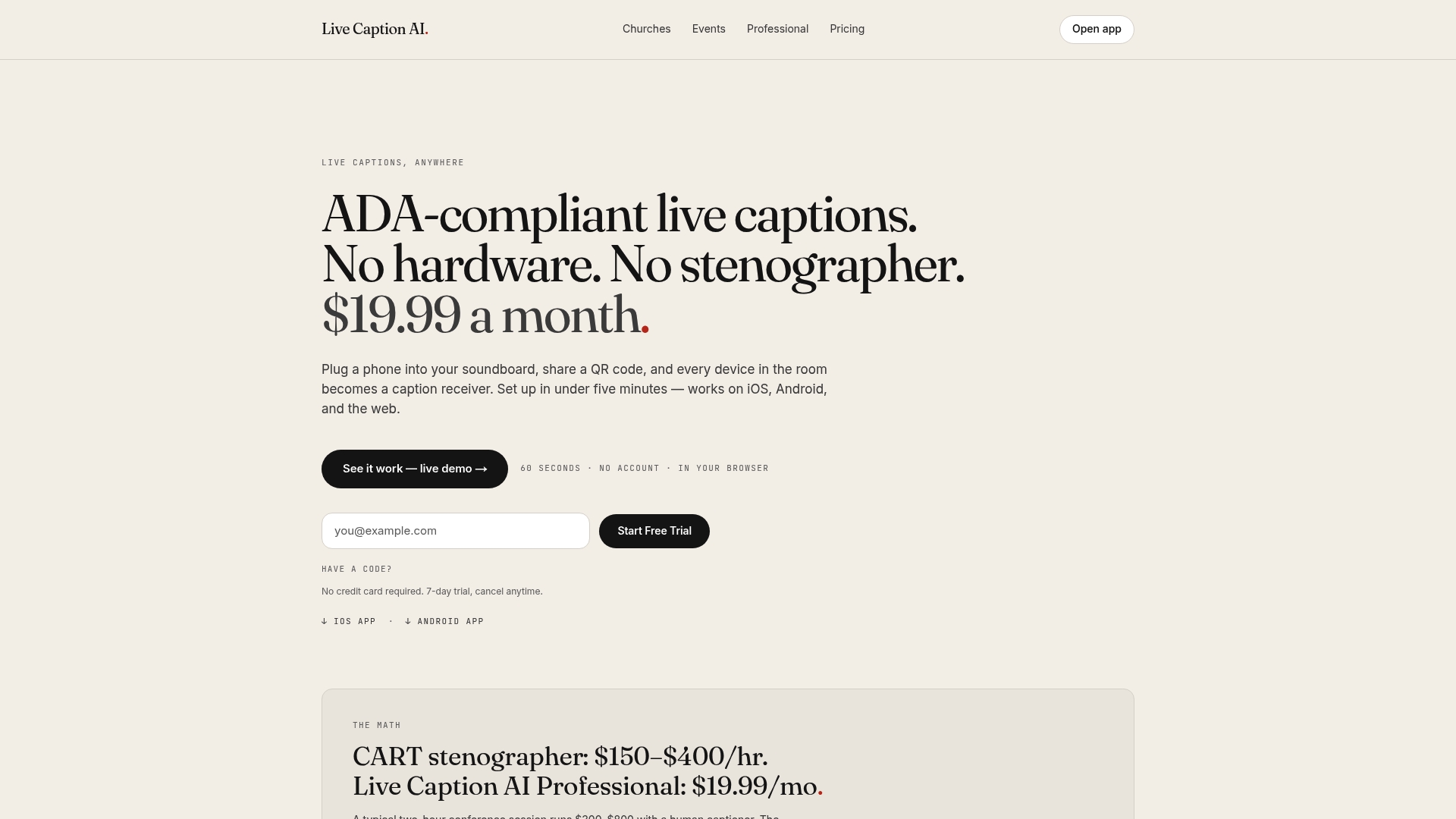
Live Caption AI turns any phone into a caption receiver. The speaker runs it on a phone or laptop, attendees scan a QR code, and captions appear on their own screens. No app to install. No account. No hardware. No stenographer to book.
The Professional plan is $19.99 a month with unlimited captioning. A Free plan and a Business plan (from $199 a month) are also available, and one-off translation credit packs start at $6.99 for 30 credits. See current details on the pricing page, or read about captioning for medical, legal and professional settings.
Quick fixes when captions go wrong mid-event
- Text is full of errors. Ask the speaker to move the mic closer and slow down.
- Text stops. Check the device connection and the microphone level.
- Names are wrong. Add them to Custom Terms before the next session.
- Q&A is a mess. Repeat each question into the mic before answering.
- Attendees cannot scan. Enlarge the QR code, or share the link from the front.
After the session, export the transcript as TXT, SRT, JSON or PDF and note which terms failed. That list becomes next week’s Custom Terms.
FAQ
Can live captions work in a loud room?
Yes, if the speech reaches the system clearly. Research shows accuracy declines as noise rises relative to the voice, so a close, directional microphone and one speaker at a time matter most. Test in the actual room before attendees arrive.
What is the best microphone for noisy-room captioning?
A headset or a directional microphone held close to the mouth is usually the best choice. Headsets give more consistent levels than lavaliers, and directional mics isolate the voice from the room. Avoid relying on a distant device microphone.
Do I need a human captioner instead?
Not always. Software is quick and convenient for regular services, meetings and classes, while human CART offers verbatim text and can ask speakers to clarify. Choose based on the event and on what the person who needs the accommodation asks for.
Does Live Caption AI store my session audio?
No. Session audio is never stored. You can save the transcript and export it as TXT, SRT, JSON or PDF.
Can Live Caption AI translate captions in a noisy room?
Yes, into one of 29 languages per session. Translation depends on the original captions, so start with clean audio and a Custom Terms list.
Sources
- Automatic Speech Recognition in Noise for Parkinson’s (PMC, 2021)
- Imperfect Captions Paired to Audiovisual Stimuli (PMC, 2025)
- Microphone Techniques for Live Sound Reinforcement (Shure)
- Microphone Techniques (Church Production Magazine)
- Best Practices for Working with a Communication Access Realtime Translation Captioner (New York State, 2025)
- Caption Comparison: Human- and Computer-Generated (Center for Hearing Access)
- ADA Requirements: Effective Communication (ADA.gov)