November 6, 2026 · 13 min read
Captions for Hard of Hearing People: A Practical Guide
How captions help people who are hard of hearing, how live captions differ from recorded ones, and how to caption a meeting, class or service on phones.

Captions turn speech into text on a screen, so people who are hard of hearing can follow what is said as it is said. On TV and video, that usually means a caption setting you switch on. At a live event, church service, class or meeting, someone has to provide the text in real time. This guide covers both: what captions are, how the types differ, what makes them readable, and how to put live captions on every attendee’s phone.
TL;DR
- Captions show spoken words and key sounds as text. They help people who are deaf, and they can make speech easier to understand for people with hearing loss who are not deaf.
- Open captions are always on screen. Closed captions can be turned on and off. Live events need real-time captions, produced by a human captioner or by software.
- Good captions are in sync, complete, readable, and identify who is speaking. Clear audio and microphones matter as much as the captioning itself.
- In the U.S., organizations must provide effective communication, and real-time captioning is one of the listed aids. Ask the person what works for them.
- With Live Caption AI, the speaker runs the session and attendees scan a QR code to read captions on their own phones. No app, no account, no hardware.
Table of Contents
- What captions do for people who are hard of hearing
- Captions, subtitles, open and closed: the terms that trip people up
- Live captioning options for events, classes and churches
- What makes captions good enough to read
- A note from our side
- What U.S. law asks organizations to consider
- How to caption a service, class or meeting with Live Caption AI
- Make live captions part of your plan
- Use the right words
- FAQ
- Sources
What captions do for people who are hard of hearing
The National Institute on Deafness and Other Communication Disorders defines captions as words displayed on a screen that describe dialogue and sound. They let deaf and hard-of-hearing viewers follow dialogue and action at the same time. They can also identify speakers and important sound effects.
Captions are not only for people who are deaf. For people with hearing loss who are not deaf, the same source notes that captions can make spoken words easier to hear. That describes a lot of people in any room: someone who misses consonants in a noisy hall, someone whose hearing aids struggle with a distant speaker, someone who simply understands more when they can read along.
In practice, that means captions help in places where audio is imperfect:
- Sanctuaries with echo and a pulpit far from the back pews
- Conference breakouts with shared microphones and room noise
- Classrooms where students ask questions from their seats
- Meetings where several people talk in quick succession
Captions, subtitles, open and closed: the terms that trip people up
These words get mixed together. Here is how the official guidance separates them.
Captions vs. subtitles. Section508.gov explains that captions include spoken dialogue, speaker identification and meaningful nonverbal sounds. Subtitles generally translate dialogue for hearing audiences and leave out important audio information. The Web Accessibility Initiative adds that captions include speech and non-speech audio, while translated subtitles usually cover only what is spoken.

Open vs. closed. Per Section508.gov, open captions are permanently displayed and cannot be hidden. Closed captions can be turned on and off by the viewer.
Live vs. prerecorded. Prerecorded captions are prepared ahead of time for video. Live captions are created while the event happens. NIDCD says real-time captions, also called Communication Access Realtime Translation (CART), are created as an event occurs, commonly by a trained court reporter or stenographer using a stenotype machine and specialized software.
Edited vs. verbatim. Captions can be edited or word for word. NIDCD reports that most deaf and hard-of-hearing people prefer verbatim text because it gives fuller access. That is a good reason to favor complete, unabridged live captions.
Live captioning options for events, classes and churches
There are a few routes. Many organizations combine them.
Human CART
The National Association of the Deaf describes CART delivered on location or remotely, with text shown on individual monitors, projected screens, video presentations or other display systems. A professional captioner turns speech into text that people can use right away. Rates vary; our guide to CART captioning cost walks through typical hourly pricing and where it makes sense to add other tools.
AI live captions on attendees’ phones
Software listens to the speaker’s audio and shows the text as the person talks. The advantage is reach and cost: every attendee who wants captions reads them on their own device, at their own text size, from any seat. With Live Caption AI, the speaker runs the session on a phone or laptop. Attendees scan a QR code. That is the whole setup. There is no app to install, no account to create, no hardware to rent and no stenographer to book.
Live Caption AI is an AI captioning tool. It is not a certified or human-reviewed service.
Captions plus interpreters or listening systems
Not everyone who is hard of hearing uses sign language. The Diocese of California’s draft church-access handbook says churches should consider captions, ASL interpreters, assistive-listening devices or a combination, because people have different communication preferences and many do not use ASL. Offering more than one route is the most welcoming approach.
What makes captions good enough to read
Captions are not a rough transcript. Harvard’s disability resources office says quality captions should be synchronized, complete, identify speakers and describe sound effects and music. They should also stay readable without covering visual content and be readily available. Its best-practice target is 99% or better for synchronicity, completeness and placement.
New York State’s deaf, deafblind and hard-of-hearing office adds practical points for live and recorded captions: speaker identification, descriptions such as [Laughter], [Applause] and [Music], accurate timing, enough reading time, and placement that does not block important visuals.
Set the room up for readable captions
The same state guidance recommends that speakers use microphones, identify themselves, speak clearly and let only one person speak at a time. It also says to provide a URL so attendees can read captions on their own device. Where a sign-language interpreter is also provided, captions should stay visible alongside the interpreter.
The Library of Congress suggests advertising accommodation contacts, offering live captioning, running an access check and sharing the caption link. It also advises managing background noise and overlapping audio. The District of Columbia’s accessible-meetings guide adds reserved seating near the caption screen or interpreter and clear, moderate speech.
That gives you a short checklist:
- Put the speaker on a microphone, close to the mouth.
- Ask people to speak one at a time, and repeat audience questions.
- Share the caption QR code on a slide, a bulletin insert or a sign at the door.
- Test the captions before people arrive.
- Tell attendees how to reach you for other accommodations.
A note from our side
We built Live Caption AI around one idea: live captions on every phone in the room. A QR code is the only thing an attendee needs. That matters most for people who are hard of hearing, because many will not ask for an accommodation in front of a crowd. When the captions are simply there, on their own phone, nobody has to ask.
We also think the vocabulary is where captions earn trust. Names, scripture references, drug names and earnings terms are where generic speech-to-text stumbles. So we offer a Medical model, a Worship & Ministry model and a Finance & Earnings model. We add Custom Terms: up to 100 names, places and terms the speaker types in before going live. A pastor can add the names of the visiting guests. A host can add the speaker list.
Cost shouldn’t decide whether a small church or a school club can offer captions. The Professional plan is $19.99 a month with unlimited captioning. Session audio is never stored. And we say plainly what we are: an AI captioning tool that can be one part of an organization’s effective-communication plan, not a certification.
Ryan
What U.S. law asks organizations to consider
This section is general information, not legal advice. For a specific situation, talk with an attorney or your organization’s ADA coordinator.
ADA.gov says Title II state and local governments and Title III public-facing businesses and nonprofits must provide equally effective communication, using auxiliary aids or services when needed. They weigh the nature, length, complexity and context of the communication and the person’s normal method of communicating. Governments must generally give primary consideration to the aid the person requests. Businesses and nonprofits are encouraged to consult the person about an appropriate aid.
The same page lists real-time captioning among the aids that may provide effective communication, alongside qualified notetakers, qualified interpreters, written materials and printed scripts. For state and local governments, the ADA site states that primary consideration goes to the person’s requested aid unless an equally effective alternative exists or the aid would cause a fundamental alteration or undue burden.
Two takeaways for organizers:
- Ask. The right aid depends on the person and the situation, so offer captions and invite people to say what works for them.
- Document your approach. Live Caption AI can be one part of an organization’s effective-communication plan. It does not make an organization ADA-compliant on its own, and we never claim it does.
For web video and webinars, WCAG 2.2 Success Criterion 1.2.4 requires captions for live audio content at Level AA. Its purpose is to let deaf and hard-of-hearing people follow real-time presentations. Prerecorded video falls under Success Criterion 1.2.2 at Level A.
How to caption a service, class or meeting with Live Caption AI
Here is the flow, start to finish.
- Plan the session. Choose the source language. If you want a translation, pick one target language from the 29 available. Each session supports one source and one target.
- Add your vocabulary. Pick the Worship & Ministry, Medical or Finance & Earnings model if it fits. Type in up to 100 Custom Terms: names, places, program titles.
- Go live. Start the session on a phone or laptop near the audio source. A sound feed or a close microphone gives the best input.
- Share the QR code. Put it on a slide, a program or a banner. Attendees scan it and read live captions on their own phones. Viewers can switch between the original and the translation.
- Save the record. Export transcripts as TXT, SRT, JSON or PDF. AI summaries are included. Session audio is never stored.
For a longer planning walk-through, see our live captioning for events guide and the step-by-step on adding phone QR captions. If your event also runs a webinar, our posts on live captions for webinars cover that setup.
Choose the right display for your room
| Situation | What works well |
|---|---|
| Sanctuary or large hall | QR code on slides and printed inserts, so people read on their own phones from any seat |
| Classroom or lecture | QR code on the first slide, speaker on a microphone, one speaker at a time |
| Business meeting | Laptop at the speaker’s end, QR code shared in the invite |
| Multilingual event | One target language per session, viewers switch between original and translation |
| Formal sessions where a person requests a specific aid | Ask the person what works, and follow your effective-communication plan |
Make live captions part of your plan
If you want captions on every phone in the room without hardware or a booking, start with Live Caption AI. The Professional plan is $19.99 a month with unlimited captioning, and you can compare every plan on the pricing page. For clinical, legal and professional vocabulary, see how we handle professional settings.
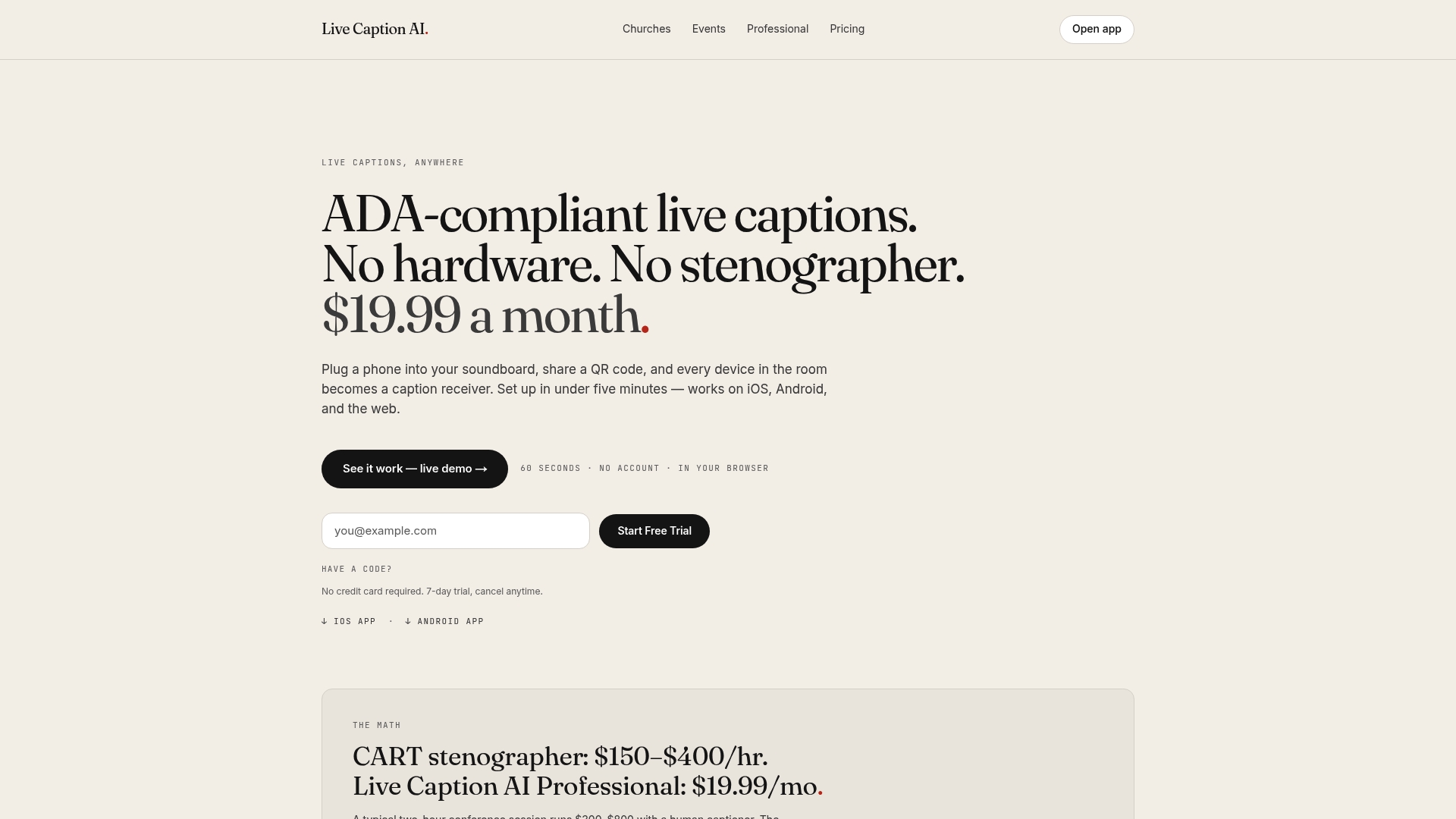
No hardware. No stenographer. No app for attendees to install.
Use the right words
The phrase matters. RIT’s National Technical Institute for the Deaf says “hearing impaired” is often viewed as offensive within Deaf culture. It recommends “deaf and hard of hearing” as a more acceptable generic phrase. New York City’s Mayor’s Office for People with Disabilities also says the community prefers “Deaf” or “Hard of Hearing” and advises against “Hearing Impaired.” Use the first on your signs, invitations and web pages.
FAQ
What are captions used for?
Captions display the words and key sounds of audio as text. They help deaf and hard-of-hearing people follow dialogue and action together, and they can make speech easier to understand for people with hearing loss who are not deaf. They are also handy in noisy rooms.
What is the difference between open and closed captions?
Open captions are always visible and cannot be turned off. Closed captions can be switched on or off by the viewer. Phone-based live captions work like closed captions: each person chooses whether to scan the QR code and read along.
Do attendees need to install anything to read live captions?
Not with Live Caption AI. The speaker runs the session on a phone or laptop, and attendees scan a QR code to read captions in their browser. No app and no account are needed.
Can live captions be translated for attendees?
Yes. Live Caption AI translates into one of 29 languages per session. The speaker picks one source language and one target language, and viewers can switch between the original and the translation.
Is “hard of hearing” the right term?
Generally, yes. Both an academic deaf-culture guide and New York City’s disability office recommend “deaf and hard of hearing” or “Hard of Hearing” over “hearing impaired.”
Sources
- Captions For Deaf and Hard-of-Hearing Viewers (NIDCD)
- Captions/Subtitles (W3C Web Accessibility Initiative)
- Video and Other Synchronized Media (Section508.gov)
- Communication Access Realtime Translation (National Association of the Deaf)
- Disability and Deaf Access for Churches and Institutions (Diocese of California)
- Captioning (Harvard University Disability Resources)
- Best Practices for Working with a Communication Access Realtime Translation Captioner (New York State)
- Digital Presentations & Conferences Best Practices (Library of Congress)
- District Government Guide on Accessible Meetings (District of Columbia)
- ADA Requirements: Effective Communication (ADA.gov)
- Communicating Effectively with People with Disabilities (ADA.gov)
- Understanding Success Criterion 1.2.4: Captions (Live) (W3C)
- Deaf Culture tip sheet (RIT/NTID)
- Deaf Awareness Month (NYC Mayor’s Office for People with Disabilities)