November 17, 2026 · 13 min read
RSI vs. AI Translation: Which Fits Your Event?
RSI vs. AI translation for churches, events and AV teams: how each works, what each costs, and when translated captions on attendees' phones are enough.

Remote simultaneous interpretation (RSI) sends your speaker’s audio to human interpreters working off-site, who speak the translation live. AI translation turns the speech into text and translates it within seconds. For most churches, community events and multilingual meetings, AI translated captions on attendees’ own phones cover the need at a fraction of the cost, with no interpreter booking and no hardware. Live Caption AI does exactly that: the speaker runs it on a phone or laptop, and attendees scan a QR code to read captions in the language they chose.
This guide explains how each approach works, what each one asks of you, and how to decide. It is written for church staff, event organizers and AV teams who need multilingual access without a large budget.
TL;DR
- RSI means human interpreters, usually booked per hour or half day, delivering spoken translation through a platform or headsets.
- AI translation delivers translated text. Live Caption AI shows it on attendees’ phones through a QR code, with no app, no account and no hardware.
- Live Caption AI’s Professional plan is $19.99 a month. It translates into one of 34 languages per session.
- Prepare with a vocabulary model and up to 100 Custom Terms, so names and specialized words come out right.
- Live Caption AI is an AI captioning tool. It is not certified or human-reviewed, and it is not meant for courtroom or clinical use.
Table of Contents
- What RSI is and how it runs
- What AI translation does
- RSI vs. AI translation at a glance
- How accurate is AI translation for live speech?
- Preparing vocabulary before you go live
- What each option costs
- What you keep after the event
- When to use which
- Accessibility and the ADA: what to say and what not to
- A note on AV companies and multilingual events
- Our perspective
- Put captions and translation on every phone in the room
- FAQ
- Sources
What RSI is and how it runs
RSI stands for remote simultaneous interpretation. “Simultaneous” means the interpreter speaks while the speaker is still talking, with a delay of a few seconds. “Remote” means the interpreter is not in the room. They hear your audio over the internet and speak the translation back.
A typical RSI setup has four parts:
- The speaker’s audio feed. A clean line from the microphone or the video platform.
- An interpreting platform. Software where interpreters work, usually in teams of two who swap every 20 to 30 minutes.
- A listener channel. Attendees pick a language and hear the interpreter through headphones, an app or a link.
- A coordinator. Someone who books interpreters per language, shares briefing materials and tests the feed.
Every added language means another interpreter team. A two-language event needs at least two interpreters per language for a long session. You also need attendees who can listen with headphones, which is a real barrier in a sanctuary or a crowded hall.
RSI is the standard for formal settings where a spoken translation is required and the budget supports it.
What AI translation does
AI live translation chains three steps: speech recognition turns the audio into text, a translation model converts the text, and the result is displayed. No interpreter is involved, so there is nothing to schedule.
With Live Caption AI, the flow looks like this:
- The speaker opens the app on a phone or laptop and picks one source language and one target language.
- Attendees scan a QR code and read live captions on their own phones. No app to install. No account to create.
- Viewers can switch between the original captions and the translation.
- The speaker can add outside links that appear within the receiving URL, and can see how many people joined the link.
Two limits of the design are worth stating plainly. Translation is into one of 34 languages per session, and the output is text. Live Caption AI does not produce translated audio.
For many rooms, text is the better fit. People read at their own pace, in a quiet sanctuary, without headphones, and can look at a name or number again.
RSI vs. AI translation at a glance
| RSI (human interpreters) | Live Caption AI | |
|---|---|---|
| Output | Spoken translation | Translated captions on attendees’ phones |
| Booking | Per language, per session, ahead of time | None. Start when the speaker is ready |
| Attendee needs | Headphones, a listening app or link | A phone and a QR code scan |
| Extra hardware | Often interpreter platform, headsets, receivers | None |
| Cost structure | Hourly or half-day rates per interpreter team | $19.99 a month on Professional |
| Languages per session | One team per language | One target language, 29 to choose from |
| Vocabulary prep | Briefing documents for interpreters | Specialized model and up to 100 Custom Terms |
| Audio | Depends on the provider | Session audio is never stored |
How accurate is AI translation for live speech?
A 2026 study presented at WMT, a research conference on machine translation, compared machine simultaneous interpreting systems with professional interpreters on conference speeches in five languages. Content-similarity scores for the machine systems fell within or above the professional range. The study also found that the closer a metric tracked content, the better it matched expert ratings. Style was the hardest thing to measure.
That matches what an event organizer cares about most: does the audience get the message? For sermons, announcements, lectures and panels, the message is the content.
Accuracy still depends on what you feed the system. Four factors matter most:
- Audio quality. A close microphone and a quiet room help more than any setting.
- Names and specialized terms. Generic speech-to-text garbles names and jargon. Live Caption AI addresses this with Medical, Worship & Ministry and Finance & Earnings models, plus Custom Terms.
- Speaking pace. Clear, even delivery gives the system clean sentences to translate.
- Language pair. Widely used languages tend to be well supported. Check your own pair in a short test session.
Preparing vocabulary before you go live
This is the step that separates a good AI session from a frustrating one, and it takes ten minutes.
- Pick the model. Choose Worship & Ministry for services, Medical for health education talks, or Finance & Earnings for investor and financial sessions.
- Add Custom Terms. You can enter up to 100 names, places and terms before going live. Think pastors’ and guest speakers’ names, ministry names, local place names, product names, acronyms.
- Choose languages. One source language, one target language. If your audience needs two languages, run the more common one first or split by session.
- Test the QR code. Scan it on a phone that is not the speaker’s device, in the back row of the room.
- Share the code. Put it on the screen, the bulletin, the badge or the program.
A human interpreter team needs a briefing pack for the same reason: names and terms. With Live Caption AI you do that work once, in the app.
What each option costs
RSI is priced like any professional service: by the hour or half day, per interpreter team, per language. Rates vary by language pair, subject and notice period. Add platform fees and coordination time, and a single multilingual event can cost more than a year of software.
For reference on the captioning side, our own breakdown of CART captioning costs per hour shows how quickly human live-captioning fees add up for a recurring program.
Live Caption AI pricing is published:
- Free: basic on-device captions.
- Professional: $19.99 a month, with unlimited captioning and summarization.
- Business: from $199 a month.
- Translation credit packs, one-off: 30 credits for $6.99, 60 credits for $11.99, 120 credits for $19.99.
For a church that meets weekly, a flat monthly price is easy to budget. There is no per-event invoice to approve.
What you keep after the event
Human interpretation is spoken and gone once it is said. Captioned sessions leave something behind.
- Every session’s transcript is saved automatically to the speaker’s account.
- Transcripts are readable only by the speaker.
- The speaker can delete a transcript from History at any time.
- You can export as TXT, SRT, JSON or PDF.
- AI summaries are included, which is handy for turning a sermon or a keynote into a recap.
- Session audio is never stored.
That last point matters for privacy-minded congregations and organizations. Live Caption AI works from the live audio and keeps text, not recordings.
When to use which
Here is a practical way to decide.
Choose Live Caption AI when:
- You run recurring events, such as weekly services, classes, town halls, and team meetings.
- Your audience can read on a phone.
- You need captions and translation together. Attendees can read the original or the translation and switch whenever they like.
- You have no budget for interpreter teams per language.
- You want to start today. There is nothing to book.
Consider RSI when:
- The event requires a spoken translation delivered through headsets.
- The setting is formal or regulated, such as a courtroom or a clinical encounter. Live Caption AI is not suitable or certified for either.
Use both when a large annual event has one flagship session with spoken interpretation, while the rest of the program runs on captions. AV companies often build this kind of tiered plan for clients: a spoken channel for the main stage, QR-code captions for breakouts, hallway sessions and overflow rooms.
If you are exploring the wider field of real-time voice AI for business, this overview of voice AI for real-time business use shows where the technology is heading.
Accessibility and the ADA: what to say and what not to
The Americans with Disabilities Act asks organizations to communicate effectively with people who are deaf or hard of hearing. Captions are one way to do that. Live Caption AI can be part of an organization’s ADA effective-communication plan. It does not make an organization ADA-compliant on its own, and it carries no ADA certification.
One rule from official guidance deserves care. New York State’s July 2025 best-practices document on CART says auto captions or AI-generated captions should not be used when CART has been requested, because it treats them as a different service. It describes CART as delivered by a skilled stenographer or voice writer with 96% accuracy or higher.
What that means in practice: if a person with a disability specifically asks for CART as their accommodation, honor that request with a CART provider. For everyone else in the room, including attendees who simply read along or who speak another language, QR-code captions give broad access at a price a small organization can sustain. Our comparison of a stenographer versus speech recognition walks through the choice.

A note on AV companies and multilingual events
If you facilitate events for clients, the biggest operational difference is setup time. RSI needs a platform, interpreter scheduling and a tech check per language. A QR-code caption session needs a phone or laptop for the speaker and a code on a slide.

Live Caption AI broadcasts to unlimited devices, according to its plan description, and shows the speaker how many people joined the link. That gives you a simple engagement number to report back to the client. For a deeper look at the workflow, see our guide to auto-translating captions without hiring interpreters and our roundup of live translated captions services in the US.
Our perspective
We built Live Caption AI for the room most captioning tools forget: the church with a volunteer tech team, the nonprofit with a small budget, the event with attendees speaking three languages and no money for three interpreter teams.
Our view is simple. Access should not depend on a budget line that only large organizations have. So the speaker runs the app on a phone or laptop, attendees scan a QR code, and captions appear on every phone in the room. No app to install. No hardware. No stenographer to book.
Names and terms are where captions usually break, so we put effort there. Medical, Worship & Ministry and Finance & Earnings models handle specialized vocabulary, and up to 100 Custom Terms let you add the names only you know. Translation goes into one of 34 languages per session, and viewers can flip between the original and the translation.
We are clear about what we are: an AI captioning tool, not a certified or human-reviewed service. Used well, it gives far more people a way into your event than they had before. Session audio is never stored, transcripts are saved to the speaker’s account and readable only by the speaker, and the speaker can delete them from History.
Ryan
Put captions and translation on every phone in the room
Live Caption AI’s Free plan gives you basic on-device captions. The Professional plan is $19.99 a month and adds unlimited captioning, summaries and cloud features, with translation into one of 34 languages per session. If you need a one-off boost for translation, credit packs start at $6.99 for 30 credits. Business starts at $199 a month.
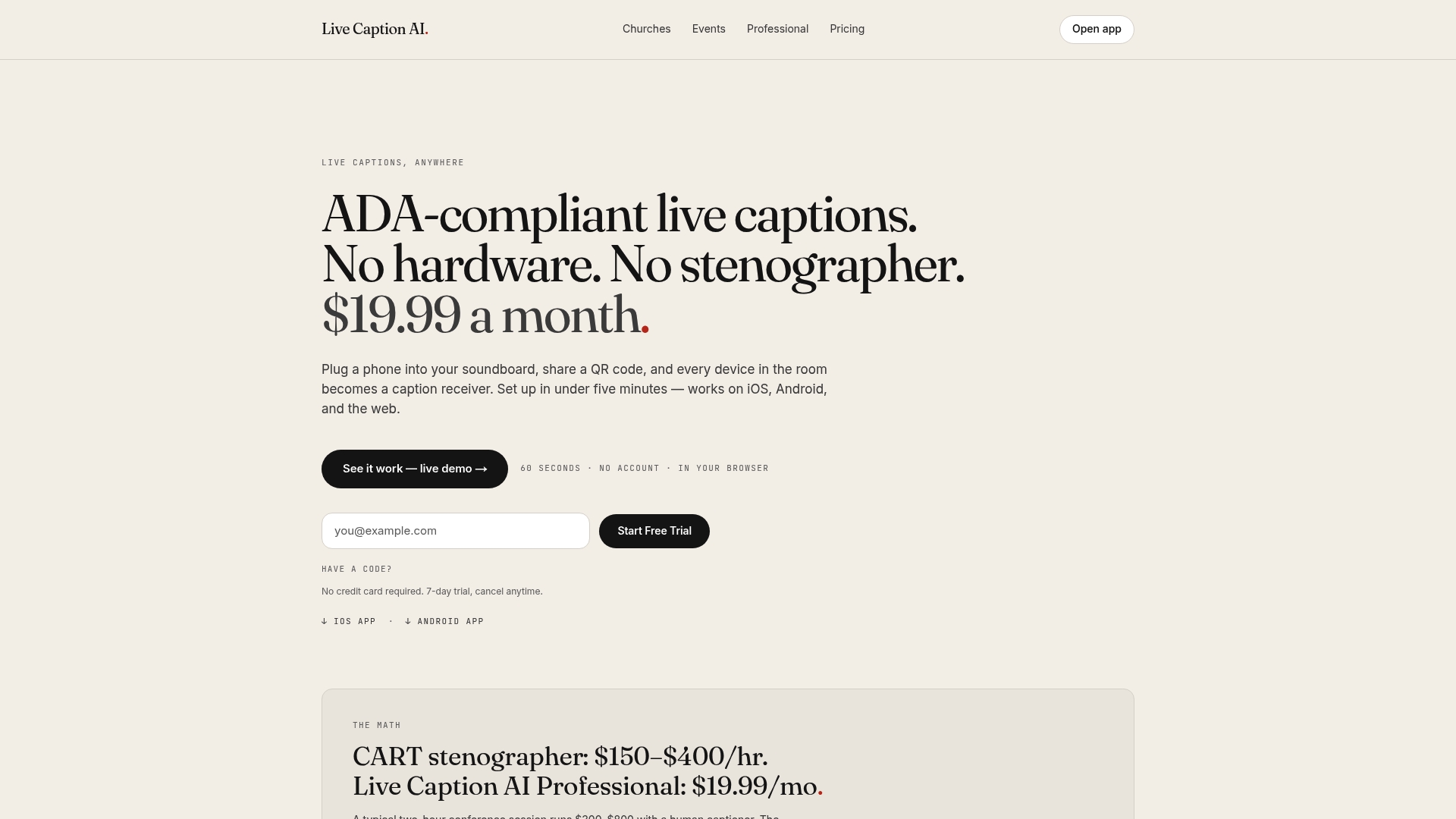
You can also compare plans on the pricing page or see more guides on affordable captioning solutions.
FAQ
What is the difference between RSI and AI translation?
RSI uses human interpreters working remotely to speak a translation while the speaker talks. AI translation converts speech to text and translates it automatically. With Live Caption AI, the result appears as captions on attendees’ phones.
Does Live Caption AI translate audio?
No. Live Caption AI translates into text captions only. It does not produce translated audio or text-to-speech. Attendees read the translation on their own phones, and can switch between the original and the translation.
How many languages can I use in one session?
You pick one source language and one target language per session, with 34 languages available as the target. Viewers can toggle between the original and the translated captions.
Can Live Caption AI replace a CART provider?
Live Caption AI is an AI captioning tool and is not certified or human-reviewed. If someone requests CART as an accommodation, provide CART. For general audience access and translation, it works as part of an ADA effective-communication plan, but it does not make an organization ADA-compliant on its own.
Does Live Caption AI record my sessions?
No. Session audio is never stored. The transcript is saved automatically to the speaker’s account, readable only by the speaker, who can delete it from History.
Sources
- Comparing Machine and Human Simultaneous Interpreting (WMT 2026)
- Best Practices for Working with a Communication Access Real-time Translation provider (New York State, July 2025)
- Gemini 3.1 Flash Live: Voice AI Just Got Real for Business