November 16, 2026 · 16 min read
Accessible Worship Technology: A Practical Guide for Churches
Accessible worship technology explained: live captions, translation, and hearing support. See what each costs, how to set it up, and how to start affordably.

Accessible worship technology is any tool that lets people take part in a service whether they hear, see, speak, move, or understand the language differently. For most churches, the fastest first step is live captions on the phones people already carry. With Live Caption AI, the speaker runs it on a phone or laptop, and attendees scan a QR code and read along. There is no app to install, no hardware to rent, and no stenographer to book. The Professional plan is $19.99 a month.
This guide covers what accessible worship technology includes, what the ADA says about communication, how to set up captions and translation for a real service, and what to check on accuracy, privacy, and cost.
TL;DR
- Start with what people cannot hear or understand. Captions and translation fix the most common gaps in spoken worship.
- Baylor University’s 2024 church guide recommends captioning speaking, singing, and video, and streaming audio into sensory or cry rooms.
- Live Caption AI puts live captions on every phone in the room through a QR code. Translation is available into one of 34 languages per session.
- Names and church vocabulary are where captions fail. Live Caption AI has a Worship & Ministry model and up to 100 Custom Terms for that.
- Live Caption AI is an AI captioning tool. It supports an effective-communication plan but does not make an organization ADA-compliant on its own.
Table of Contents
- What accessible worship technology includes
- Who captions and translation help in a congregation
- What the ADA expects, in plain terms
- Four ways to caption a service, compared by type
- How to set up live captions for a service
- Accuracy: how to judge captions for worship
- Language support for multilingual congregations
- Privacy: what to tell your congregation
- What it costs, and how to plan the budget
- Who this fits best
- Explore Live Caption AI
- Our perspective
- FAQ
- Sources
What accessible worship technology includes
The term covers more than a ramp or a screen. Think of it as everything that gets the service to a person in a form they can use.
The Baylor guide, written for churches, points to several tools:
- Captions for speaking, singing, videos, and other audio.
- CART (communication access real-time translation), a service where a trained captioner types what is said as it happens.
- Sign-language interpreters and translation services.
- Hearing loops, which send sound straight to hearing aids.
- Song lyrics and hymnbooks on tablets, and adjustable screen contrast.
- Live audio and video streamed into sensory or cry rooms.
The Disability Belongs article from June 2025 adds two more. CART gives people who are deaf or hard of hearing real-time captioning. Accessible livestreaming reaches people who cannot attend in person because of health, transportation, or caregiving barriers.
Not every church needs all of it. A small congregation with a few hard-of-hearing members and a growing number of Spanish speakers has different needs than a large campus with three services. The right question is simple: who in our building cannot follow the service today?
Who captions and translation help in a congregation
Captions are often thought of as a tool for people who are deaf. In a church room, the group is wider.
- Hard-of-hearing members. Many older congregants hear speech but lose words in a large room with echo.
- Deaf members. Captions give them the sermon text. Some will also want an interpreter, and that is their choice to make.
- Visitors and new members who speak another language. A translated line on their own phone lets them follow without waiting for a separate service.
- People who process text better than speech. Reading along helps many people stay with a long message.
- Parents in a cry room or people in an overflow space. A phone with captions works where the sound is muffled or turned low.
That last point matters for budget. One tool can serve several groups, so a caption feed is often the best first purchase.
What the ADA expects, in plain terms
The Americans with Disabilities Act (ADA) is the U.S. civil rights law on disability. Churches get asked about it often, and the answer is not one-size-fits-all.
The Department of Justice’s Title III Technical Assistance Manual says a religious entity’s exemption covers all of its activities, including secular ones. It also says a nonreligious tenant running a public accommodation under a lease may itself be covered. So a church’s own services are treated differently from, for example, a separate daycare business renting its space.
Many congregations choose to be accessible whether or not the law requires it. For organizations that are covered, such as event organizers, schools, or public entities, the DOJ’s effective communication guide is the place to start. It says organizations that serve the public must communicate effectively with people who have communication disabilities. It also says the right aid depends on the nature, length, complexity, and context of the communication. Real-time captioning and assistive-listening systems are both on its list of possible aids.
The DOJ’s Title II toolkit adds that public entities must give primary consideration to the aid a person with a disability requests. There are exceptions, such as when another method is equally effective or the request would cause a fundamental alteration or undue burden.
What this means for you: ask people what works for them, record what you offer, and keep a simple written plan. Live Caption AI can be one part of that plan. It is not a certified or human-reviewed service, and it does not make an organization ADA-compliant by itself. Our ADA effective communication toolkit walks through how to build that plan.
For questions about your own legal exposure, talk with an attorney who knows your state’s law.
A note on websites
If your church also runs a website or a streaming page, accessibility reaches there too. The DOJ’s April 2024 web rule applies to state and local governments, not churches, and its April 2026 interim final rule moved those compliance dates to April 26, 2027 for entities serving 50,000 or more people and April 26, 2028 for smaller ones. If you run a school or a public program with a local government partner, it is worth knowing about. For a broader view of web accessibility compliance timelines, that page lays out the standards.
Four ways to caption a service, compared by type
Churches usually weigh four routes. Here is how they differ.
| Option | How it works | What you need | Where it fits |
|---|---|---|---|
| AI live captions with QR code (Live Caption AI) | Speaker runs the app; attendees read on their own phones | A phone or laptop and an internet connection | Weekly services, classes, small groups, events, and multilingual sessions |
| CART (human captioner) | A trained captioner types live, on site or remote | Booking weeks or months ahead; a screen or link | Settings where a person requests a human captioner |
| Sign-language interpreter | An interpreter signs the service | A scheduled interpreter and sightlines | Deaf members who use sign language |
| Hearing loop or assistive-listening system | Sound goes to hearing aids or receivers | Installed equipment | Members with hearing aids |
The New York State CART guidance says on-site captioners should be booked weeks or months ahead, and that you should send names, titles, the agenda, and acronyms in advance. That lead time is the main reason a small church cannot easily do it every week.
Live Caption AI is built for that weekly rhythm. You start a session, share the QR code, and the captions appear. There is no booking, no hardware to rent, and no app for attendees to install. If you also have members who sign or use hearing aids, these tools sit well alongside captions. The aim is a layered setup, with the caption feed as the base.
How to set up live captions for a service
Here is a plain routine you can run this week.
1. Decide where the QR code goes
Put it where people see it as they sit: on the screen before the service, in the bulletin, and on a stand near the back. Attendees scan it with their phone camera and the captions open in a browser. Live Caption AI needs no app and no account on their end.

2. Choose the speaker’s device
A phone or laptop with a good microphone works. Place it close to the speaker or connect it to the sound system. Clear audio is the biggest factor in caption quality, so test the room before people arrive.
3. Load your vocabulary before you go live
This is the step most churches skip, and it is where captions go wrong. General speech-to-text often garbles names and theological terms. Live Caption AI has a Worship & Ministry model built for that vocabulary. You can also add up to 100 Custom Terms: pastors’ names, place names, ministry names, and phrases you use often. Type them in before the session starts.
The NY State guidance makes the same point for human captioners: send names, titles, the agenda, and acronyms in advance. The step is the same. With Live Caption AI you do it yourself in a few minutes, with no scheduling.
4. Pick a translation language if you need one
The speaker picks one source language and one target language per session. Live Caption AI translates into one of 34 languages. Viewers can switch between the original and the translation on their own phone. If your congregation speaks two languages besides English, you can run a different target language in a different session.
5. Go live and watch the room
Ask someone on the media team to confirm that captions are showing on a phone in the back row. Live Caption AI also shows how many users joined your link, which tells you how many people are reading along. That number helps when you plan the next service.
6. Save the transcript
Every session’s transcript is saved automatically to the speaker’s account. Transcripts are readable only by the speaker. You can export them as TXT, SRT, JSON, or PDF, and AI summaries are included, so you can turn a sermon into a short recap for members who missed it. Speakers can delete a transcript from History at any time. Session audio is never stored.
Accuracy: how to judge captions for worship
Accuracy in a church is different from accuracy in a business meeting. The words that matter most are often the ones a general model has not seen: Habakkuk, Nicodemus, your pastor’s surname, a local street name.
When you review any captioning tool for worship, look at four things:
- Specialized vocabulary. Is there a model built for ministry language? Live Caption AI has a Worship & Ministry model.
- Custom names and terms. Can you add your own before going live? Live Caption AI accepts up to 100 Custom Terms.
- Clear audio input. No tool can fix a noisy room or a distant microphone.
- A habit of review. Look at the exported transcript after a service and add any missed terms to your list for next week.
This last habit is what makes captions better over time. Your Custom Terms list becomes a living glossary of your church. The transcripts are there to check against.
Live Caption AI is an AI captioning tool. It is not human-reviewed. For your own records, treat captions as an access aid for people in the room, and keep your own notes as the official text of any message.
Language support for multilingual congregations
Translation is where many churches feel the pressure. A growing community of Spanish, Korean, Vietnamese, or Portuguese speakers may sit in the pews without a translator on staff.
With Live Caption AI, you get:
- Translation into one of 34 languages in each session.
- A phone-based view, so each person reads in the language they choose, without a shared screen.
- A switch between the original and the translated text.
The translation is text on the phone. It does not produce translated audio or spoken output. That keeps the setup simple. People who read the translation hear the original message in the room and follow the words on their own screen.
For events with AV partners, the same flow applies. An AV company running a multilingual conference can set one target language for each session and give the audience a single QR code to scan.
If you need more translation volume, one-off credit packs are available in the app: 30 credits for $6.99, 60 credits for $11.99, and 120 credits for $19.99. Full details are on the pricing page.
Privacy: what to tell your congregation
People ask where their words go, especially in prayer groups, counseling-adjacent ministries, and support groups. Here are the facts about Live Caption AI:
- Session audio is never stored.
- The transcript is saved automatically to the speaker’s account.
- Transcripts are readable only by the speaker.
- The speaker can delete a transcript from History.
- Attendees do not create an account to read captions.
It is good practice to tell your group at the start of a session that captions are on and where to find the QR code. Live Caption AI is a captioning tool for services, classes, and events. It is not designed or certified for clinical or courtroom use, so keep sensitive pastoral counseling outside the scope of a live caption session.
What it costs, and how to plan the budget
Cost is the reason many churches have not started. A few figures help frame it.
- Human captioning is booked per event and needs lead time, as the NY State guidance notes. That model suits one-off events better than every Sunday.
- Hardware such as hearing loops and receivers is a capital cost that must be installed and maintained.
- Live Caption AI is a subscription. The Free plan gives basic on-device captions. The Professional plan is $19.99 a month with unlimited captioning and summarization. The Business plan is from $199 a month. Translation credit packs are one-off purchases.
For a church running one or two services a week, the Professional plan covers the base need. That is less than most churches spend on a single bulletin print run. See the pricing page for what each plan includes.
Other costs to plan for are small: a decent microphone, a stable internet connection, and a printed QR code sign. Training takes minutes, because attendees need nothing installed.
Who this fits best
Churches
Small and mid-sized congregations that want captions every week without a booking process. See our posts on church live captions and affordable captioning solutions for more.
Event organizers
Organizers replacing costly human captioners for conferences, community events, and classes. A QR code on the program or the screen is all attendees need.
AV companies
Teams facilitating multilingual events for clients. One speaker device, one source language, one target language per session, and a QR code the audience scans. Our real-time transcription posts cover the workflow in more detail.
Explore Live Caption AI
If you want live captions on every phone in the room without hardware, a stenographer, or an app for attendees to install, Live Caption AI is built for exactly that. Start on the Free plan, or move to Professional at $19.99 a month for unlimited captioning and summarization. Add the Worship & Ministry model and your Custom Terms before the next service.
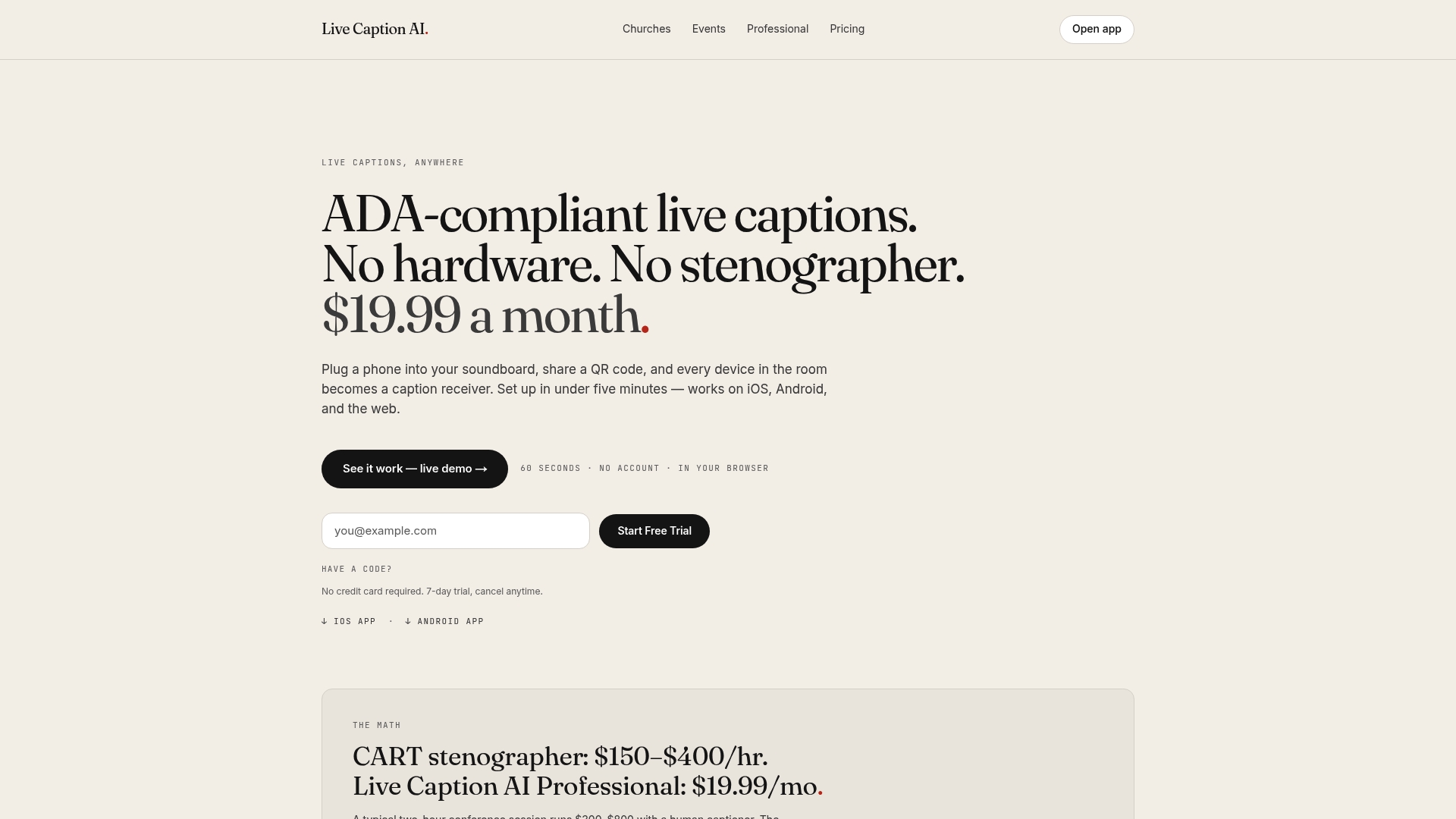
Explore Live Caption AI or see plans and pricing.
Our perspective
Most churches we talk about accessibility with want the same thing: everyone in the room hears the same message. The barrier is rarely willingness. It is cost, lead time, and the worry that it will be hard to run on a volunteer team.
That is why we built Live Caption AI around the phone. People already carry one. A QR code turns it into a caption receiver, and nothing else has to be installed, rented, or booked.
We also built it around the words a church actually uses. A Worship & Ministry model, plus up to 100 Custom Terms you type in before going live, means names and place names are in the vocabulary from the first minute. Translation into one of 34 languages per session helps when your room speaks more than one language.
Privacy matters in a church. Session audio is never stored. Each transcript is saved to the speaker’s account, readable only by the speaker, and the speaker can delete it from History.
Captions are one layer of an effective-communication plan. Ask your members what helps them, and build from there.
Ryan
FAQ
Do churches have to provide captions under the ADA?
It depends on the organization. The DOJ’s Title III manual says a religious entity’s exemption covers all its activities, while a nonreligious tenant operating a public accommodation under a lease may itself be covered. Many churches add captions anyway so members can take part. For your own situation, ask an attorney who knows your state’s law.
Can attendees read captions without downloading anything?
Yes. With Live Caption AI, attendees scan the QR code with their phone camera and read the captions in a browser. There is no app to install and no account to create.
Can one session translate into several languages?
No. Each session translates into one target language, chosen from 29. The speaker picks one source and one target language, and viewers can switch between the original and the translation. For a second language, run a separate session.
Does Live Caption AI store our service audio?
No. Session audio is never stored. The transcript is saved to the speaker’s account, readable only by the speaker, and can be deleted from History.
Does it replace a sign-language interpreter or a hearing loop?
It is a different tool. Captions give a text version of the service on a phone. Members who sign or use hearing aids may want those supports as well, and the DOJ guide lists captions and assistive-listening systems among the possible aids. Ask your members what works for them.
Sources
- Accessible Worship Church Guide 2024, Baylor University
- How Technology is Transforming Worship, Disability Belongs
- ADA Requirements: Effective Communication, ADA.gov
- ADA Title III Technical Assistance Manual
- ADA Tool Kit, Chapter 3: General Effective Communication
- Extension of Compliance Dates for Title II Web and App Rule, ADA.gov
- Best Practices for Working with a Communication Access Real-Time Translation Provider, New York State
- Web accessibility compliance timelines