November 3, 2026 · 9 min read
Section 508 Live Captions: What the Rule Requires
Section 508 requires captions for live audio in synchronized media. See who it covers, how it differs from the ADA, and what to check in a live captioning tool.

Section 508 requires captions for all live audio content in synchronized media. That is the short answer. It applies to information and communications technology (ICT) that federal agencies develop, buy, maintain, or use. If you run a church, a private event, or a business, Section 508 usually is not your rule. The ADA is. But the two point to the same practical goal: people who cannot hear the room need to follow along in real time.
This guide covers what Section 508 says about live captions, who it covers, how it differs from the ADA, and what to check when you pick a captioning tool.
TL;DR
- Section 508 requires captions for all live audio content in synchronized media, such as webinars and streamed events.
- It binds federal agencies and their ICT. Churches and private event organizers are generally looked at under the ADA’s effective-communication rules instead.
- Good live captions are accurate, synchronized, and identify speakers and important sounds.
- Automated captions may not meet every participant’s needs, so offer a way to request other accommodations.
- Live Caption AI is an AI captioning tool. It is not certified or human-reviewed, and it does not make an organization compliant on its own.
Table of Contents
- What Section 508 covers
- What the live caption requirement says
- What makes live captions accessible
- Section 508 vs. the ADA
- Choosing automated or human live captioning
- Where Live Caption AI fits
- A simple access plan for your next live event
- Costs and plans
- Try it in your next session
- FAQ
- Sources
What Section 508 covers
Section 508 of the Rehabilitation Act says all users must have equivalent access to ICT that federal agencies develop, procure, maintain, or use. That includes software, websites, documents, and hardware.
For live events, two parts matter most:
- Public events. If a federal agency hosts a public meeting, such as a webinar, town hall, or live class, it must meet all applicable Section 508 standards.
- Internal meetings. Section 508 still requires accessible ICT, including meeting software, documents, and sites.
Agencies can also go further. They may set policies that meet or exceed the minimum, such as requiring open captions on all videos.
What the live caption requirement says
Live synchronized media must meet WCAG success criterion 1.2.4, which calls for captions on all live audio content. According to Section508.gov, the captions must be synchronized with the audio. They must represent both dialogue and important non-dialogue sounds.
The W3C explains that this criterion is written for broadcasts of synchronized media. It generally does not reach most two-way real-time calls, where the burden sits with the participants rather than the platform. Webinars, streamed town halls, and presentations fall on the broadcast side.

What makes live captions accessible
Captions that merely exist are not enough. The federal baseline tests say live captions should be accurate, time-synchronized, and include speaker identification and essential sounds. The same baseline acknowledges that real-time constraints can lower accuracy compared with pre-recorded content.
You control more of this than you might think. Section508.gov advises speakers to avoid overlapping voices, speak slowly and clearly, and introduce themselves before talking. It also says the style of captioned elements, like speaker names and sounds, should stay consistent across a project.
A quick checklist before any live session:
- Test the microphone and room audio.
- Tell speakers to talk one at a time and say their names.
- Load the names, places, and terms the speaker will use.
- Share the caption link or QR code on a slide and in the invitation.
- Have a plan for anyone who needs something different.
Section 508 vs. the ADA
This is where most churches, event organizers, and AV teams land. Section 508 is a federal-agency rule. The ADA covers a much wider group.
The ADA requires Title II state and local entities, and Title III businesses and nonprofits serving the public, to communicate effectively with people with communication disabilities. Aids may include real-time captioning.
Two details from ADA guidance help you plan:
- Title II entities must give primary consideration to the aid or service the person requests.
- Brief or simple exchanges may need only basic aids. Complex or lengthy ones, such as a long presentation, may call for CART or captioning.
So a 10-minute announcement and a two-hour conference do not carry the same expectations. Match the aid to the length and complexity, and ask the person what works for them.
Choosing automated or human live captioning
Section508.gov says meeting software should support keyboard navigation, screen readers, and auto-generated or integrated live captions. It also says invitations should include a way to request accommodations, such as real-time two-way CART or an ASL interpreter.
The agency’s own accessibility blog adds a caution: automated captioning may be insufficient to meet some participants’ needs. Treat that as a planning point. Offer automated captions to everyone in the room, and keep a clear path for a specific request.
When you evaluate a tool, ask:
- Can attendees open captions without installing an app or creating an account?
- Can you teach it your names and specialized vocabulary before you go live?
- Can you export a transcript afterward?
- Does it support translation if your audience speaks other languages?
- What does it do with your audio?
Where Live Caption AI fits
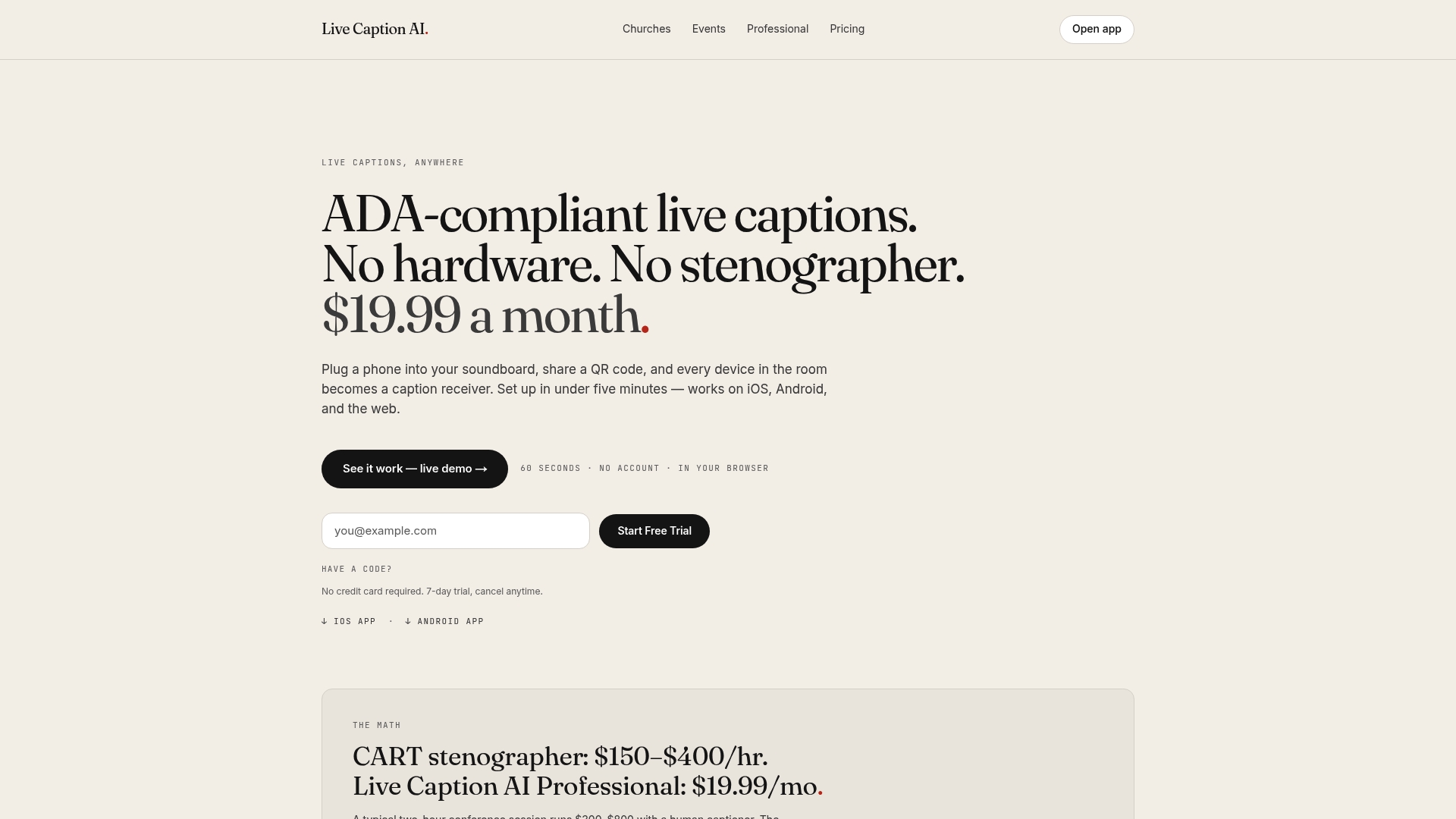
Live Caption AI is a live captioning and translation app for churches, meetings, classes, and events. The speaker runs it on a phone or laptop. Attendees scan a QR code and read live captions on their own phones. No app to install. No account to create. No hardware to rent. No stenographer to book.
Here is what it offers:
- Vocabulary models. Medical, Worship & Ministry, and Finance & Earnings models, plus up to 100 Custom Terms. You type the names, places, and terms before going live.
- Translation. One of 29 languages per session. Viewers can switch between the original and the translation.
- Transcripts. Save and export as TXT, SRT, JSON, or PDF. AI summaries are included.
- Privacy. Session audio is never stored.
Be clear about what it is. It is an AI captioning tool, not a certified or human-reviewed service, and it does not make an organization ADA-compliant on its own. An organization can use it as part of its ADA effective-communication plan, alongside a way to request other aids. It is not presented as suitable or certified for courtroom or clinical use.
Our perspective
Most people who need captions are not filing a request form. They are sitting in the third row of a service, or at the back of a workshop, and they just want to follow along.
That is why we built Live Caption AI around the phone people already have. Share a QR code. Captions show up. No hardware. No stenographer. No app.
We also think accuracy comes from preparation. Names and specialized words are where generic speech-to-text fails. So we give you Medical, Worship & Ministry, and Finance & Earnings models, and up to 100 Custom Terms you type before you go live.
We are honest about the limits. Live Caption AI is AI captioning. It is not human-reviewed, and it is one part of a good access plan. For churches and event teams with tight budgets, it makes captions available in every room, every week, at $19.99 a month on the Professional plan.
Ryan
A simple access plan for your next live event
Whether Section 508 or the ADA is your starting point, the same steps work.
- Put captions in the invitation. Say that live captions are available and how to open them.
- Add a request line. Invite people to ask for other accommodations, such as CART or an interpreter.
- Prepare vocabulary. Enter speaker names, place names, and technical terms ahead of time.
- Brief speakers. One voice at a time, clear pace, introduce yourself.
- Rehearse the fallback. Know who handles a request and how fast you can respond.
- Save the transcript. Export it afterward so people can review what was said.
If you stream a webinar, see our posts on live captions for webinars for more setup ideas.
Costs and plans
The Professional plan is $19.99 a month with unlimited captioning. A Free plan gives basic on-device captions, and the Business plan starts from $199 a month. One-off translation credit packs are $6.99 for 30 credits, $11.99 for 60, and $19.99 for 120. See the pricing page for what each plan includes.
Compare that with booking a stenographer for every service or session, and the case for having an always-ready option is easy to see.
Try it in your next session
Put captions on every phone in the room with a QR code. No credit card required. 7-day trial, cancel anytime.
FAQ
Does Section 508 apply to my church?
Generally no. Section 508 covers ICT that federal agencies develop, procure, maintain, or use. Churches and private event organizers more often look to the ADA’s effective-communication rules. Check with your attorney about your specific situation.
Does Section 508 require live captions on webinars?
For federal agencies, yes. Section 508 requires captions for all live audio content in synchronized media, and an agency hosting a public webinar must meet the applicable standards. Captions need to be synchronized and include speaker and important sound information.
Can AI live captions satisfy Section 508?
Section508.gov lists auto-generated captions as a feature meeting software should support. It also warns that automated captioning may be insufficient for some participants. Offer a way to request other accommodations, and confirm requirements with your agency’s Section 508 program office.
Does Live Caption AI make us compliant?
No tool does that on its own. Live Caption AI is an AI captioning tool, not certified or human-reviewed. An organization can use it as part of its ADA effective-communication plan.
Do attendees need an app?
No. They scan a QR code and read captions in their phone’s browser. No app, no account.
Sources
- ICT Accessibility Frequently Asked Questions, Section508.gov
- Video and Other Synchronized Media, Section508.gov
- Accessible Meetings, Section508.gov
- Accessibility Bytes No. 9: Accessible Meetings, Section508.gov
- Understanding Success Criterion 1.2.4: Captions (Live), W3C
- 17. Synchronized Media (Web), ICT Baseline
- ADA Requirements: Effective Communication, ADA.gov
- Chapter 3: General Effective Communication Requirements, ADA.gov