July 24, 2026 · 11 min read
Best Rev Alternatives for ADA-Compliant Live Captions
Discover the best Rev alternatives for ADA-compliant live captions.

It delivers real-time captions to any attendee’s phone via QR code or web link, no hardware required, no stenographer on staff. Here’s the quick verdict:
-
Live Caption AI — best for ADA-focused live events, churches, medical, and legal settings; QR/web receiver, domain vocabulary tuning, starts at $19.99/month
-
Enterprise live-caption suites (Verbit, 3Play Media) — best for broadcast-grade captioning with human-verified accuracy; higher cost, longer setup
-
Subscription cloud caption services (Trint, Otter.ai) — best for meeting capture and post-event transcription; limited live-event delivery options
-
Human-verified transcription vendors (Rev human tier) — best for legally sensitive post-event transcripts; Rev advertises 99%+ accuracy with 12-hour turnaround at $0.25/minute for AI and higher rates for human review
-
Mobile-first subscription tools — best for content creators and high-volume multilingual teams on a budget
If ADA delivery and live latency are your primary requirements, the comparison below shows exactly where each category lands.
Table of Contents
-
How do Rev alternatives compare for live captions and ADA compliance?
-
How to choose the right Rev alternative for your organization
-
What does deployment actually look like for events, churches, medical, and legal settings?
-
Why Live Caption AI is the recommended Rev alternative for ADA-focused organizations
How do Rev alternatives compare for live captions and ADA compliance?
When ADA compliance is the primary requirement, delivery method and low-latency live captions matter more than post-event transcript features. The table below maps the major vendor categories across the dimensions that matter most for procurement.
| Category | Best for | Real-time live captions | ADA compliance stated | Live translation / languages | Device delivery | Domain vocabulary tuning | Pricing model | Transcript export | Human-verified turnaround | |
|---|---|---|---|---|---|---|---|---|---|---|
| Live Caption AI | Events, churches, medical, legal | Yes | Yes | No | Yes / multiple languages | QR code, web link, unlimited devices | Yes (medical, finance, worship models) | Subscription from $19.99/month | SRT, TXT, PDF, and JSON | Not offered |
| Enterprise live-caption suites (e.g., Verbit, 3Play Media) | Broadcast, higher-ed, large events | Yes | Yes | Varies by vendor | Yes / varies | Embedded captions, widgets | Yes | Custom / enterprise quotes | SRT, VTT, DOCX | Hours to 1 business day |
| Subscription cloud caption services (e.g., Trint, Otter.ai) | Meetings, content editing | Limited | Partial | Limited | Limited | Native app, web | Limited | Subscription tiers | TXT, DOCX, SRT | Not standard |
| Human-verified transcription vendors (e.g., Rev human tier) | Post-event legal/medical transcripts | No | Partial | Varies | languages (Rev Pro) | File upload/download | Limited | Per-minute or subscription | TXT, SRT, DOCX | 12 hours or less |
| Mobile-first subscription tools | Creators, multilingual teams | Limited | No | No | languages | Mobile app | No | Low monthly flat rate | TXT, SRT | Not offered |
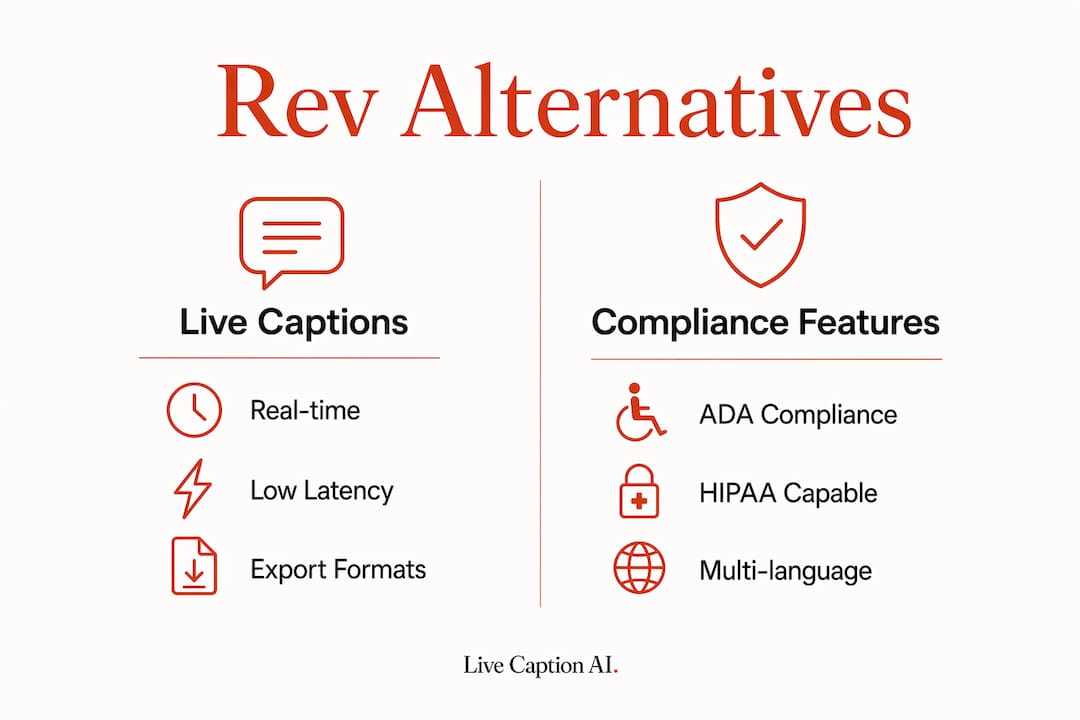
A note on pricing math: Subscription bundles dramatically reduce effective per-minute costs for teams with steady volume. A stenographer typically runs $150 or more per hour. Live Caption AI’s subscription starts at $19.99/month. Rev’s AI transcription tier charges per minute, which can add up to a high hourly cost. For organizations running weekly services or recurring events, the subscription model wins on cost almost every time.
Device delivery options by category:
-
QR code/web link (no app install): Live Caption AI
-
Native mobile app required: meeting-focused tools like Otter.ai
-
Embedded widget or iframe: enterprise suites like Verbit and 3Play Media
-
File download only: post-event human transcription vendors
Export formats across categories generally include SRT, VTT, and TXT. Enterprise suites often add DOCX and custom formats. For legal proceedings, confirm whether the vendor’s export is court-ready or requires additional formatting.
How to choose the right Rev alternative for your organization

Start with two questions: Do you need captions live, during the event? And does your setting require HIPAA compliance? Those two answers eliminate most of the field immediately.
Evaluation criteria to work through:
-
ADA claims and caption latency: Ask for a live demo with your actual audio. Latency under two seconds is the practical threshold for audience readability.
-
Require a signed Business Associate Agreement (BAA) before any clinical or legal audio touches the platform.
-
Language and translation coverage: Confirm the specific languages your audience needs, not just a headline number.
-
Domain vocabulary tuning: Platforms that support domain-specific models deliver measurably better recognition for medical and legal terminology. Ask for a sample transcript using your actual terminology.
-
Device distribution method: QR/web delivery requires no app install from attendees. Native-app delivery creates friction at the door.
-
Security and data handling: Confirm whether audio is processed on-device, in a private cloud, or on shared infrastructure.
-
SLAs and uptime: For live events, ask what happens if the service goes down mid-session.
-
Integration points: AV boards, streaming platforms, CMS, and captioning hardware all need to connect cleanly.
-
Pricing model fit: Require a live pilot with your real audio before signing any multi-month contract.
Questions to ask every vendor before committing:
-
What is your typical live-caption latency in a real event environment?
-
Can you provide a sample transcript using our domain terminology?
-
Do you offer a HIPAA BAA, and what are the specific deployment restrictions?
-
Is a free trial or demo available with our own content?
-
What are your cancellation and contract terms?
-
How do attendees receive captions — app, QR, web link, or embedded?
-
What transcript export formats do you support, and how long is data retained?
Red flags to walk away from:
-
No demo with your actual content before contract signature
-
Required proprietary hardware or stage-side devices for every session
-
No HIPAA option when your setting requires it
-
Opaque data handling with no clear answer on where audio is stored
-
No transparent pricing for live events, only “contact us” for every tier
What does deployment actually look like for events, churches, medical, and legal settings?
Most organizations go from trial to full deployment in four weeks or less. The path is consistent across settings, though the vocabulary tuning and compliance steps vary.
Typical implementation timeline:
-
Week 0–1 (demo and trial): Run a live pilot with your actual audio feed. Test latency, accuracy on your domain terms, and device delivery via QR or web link.
-
Week 1–3 (pilot with sample content): Expand to a small live session. Confirm HIPAA BAA is signed if required. Collect attendee feedback on caption readability.
-
Week 2–4 (staff training and vocabulary tuning): Upload domain-specific terminology. Train the one or two staff members who will manage the session console.
-
Week 4+ (go-live and monitoring): Run full sessions. Monitor accuracy on flagged terms and export transcripts for review or record-keeping.
Setting-specific notes:
-
High-capacity events with multiple rooms: QR-based delivery scales to unlimited devices with no additional hardware per room. One operator can manage multiple simultaneous sessions.
-
Church services: Congregants open a web link or scan a QR code on their phone. No app download, no setup at the door. Captions appear in their preferred language if translation is enabled.
-
Medical offices: Session audio is never stored — it’s streamed for recognition and not persisted.
-
Legal proceedings and depositions: Domain vocabulary tuning captures case-specific terminology. Live Caption AI is an AI captioning tool with no human-review tier, so for transcripts that must meet admissibility standards, pair it with a human transcription vendor or a certified court reporter.
Pro Tip: Position your microphone within 18 inches of the primary speaker and use a cardioid or directional mic pattern. Background noise is the single biggest driver of ASR accuracy loss. Clean audio in equals accurate captions out.
Why Live Caption AI is the recommended Rev alternative for ADA-focused organizations
Live Caption AI meets the specific procurement requirements that most Rev alternatives miss: ADA-focused delivery, QR/web receivers that work on any device, and domain-specific models for medical and legal terminology.
Core features:
-
Any attendee’s phone becomes a caption receiver via QR code or web link, no app install required
-
Live translation into 29 languages, displayed on the same device
-
Domain model tuning for medical terminology, plus custom vocabulary for legal and other specialized terms
-
Unlimited device broadcasting from a single session
-
Transcript export in SRT, PDF, and TXT formats
-
AI-powered summaries available post-session
The cost case is straightforward. A stenographer typically costs a high rate per hour. Live Caption AI’s subscription starts at $19.99/month, covering recurring sessions without per-event fees. For a church running weekly services or a medical practice with daily patient interactions, that math compounds quickly in favor of a subscription model.
The device-native delivery model also removes the hardware procurement problem entirely. No caption displays to rent, no proprietary receivers to distribute, no AV contractor required to set up a captioning station.
Key Takeaways
| Point | Details |
|---|---|
| Match your caption mode first | Decide live vs. post-event before evaluating any vendor — most tools optimize for one or the other. |
| Test with your actual audio | Pilot with real domain terminology and your live audio feed; lab demos rarely reflect real-world accuracy. |
| Compare subscription math vs. stenographer rates | At $19.99/month, Live Caption AI costs a fraction of a single stenographer session at typical hourly rates. |
| Live Caption AI for ADA-focused settings | QR/web delivery, domain vocabulary tuning, make it the top pick for events, churches, medical, and legal workflows. |
The real procurement trade-off most buyers miss
Most organizations shopping for Rev alternatives focus on accuracy percentages and price per minute. Those matter, but they are the wrong starting point for ADA-focused procurement.
The question that actually determines whether a solution works is simpler: how does the caption get to the person who needs it? A 99% accurate transcript delivered as a downloadable file after the event does nothing for a deaf congregant sitting in a pew right now. Delivery method is the first filter, not the last.
The second overlooked trade-off is between subscription flexibility and legally critical accuracy. For routine events, church services, and most medical interactions, a well-tuned AI caption system at a subscription price point is genuinely sufficient. For depositions, court proceedings, or clinical documentation that may be reviewed by a third party, a multi-step workflow combining AI with human review remains the safer path. Know which category your use case falls into before you sign anything.
Pilot testing is not optional. Every vendor looks good in a controlled demo. Run your actual audio, with your actual terminology, in your actual room, before committing to a contract.
Skip the stenographer. No caption displays to rent, no proprietary hardware to install. Live Caption AI turns any attendee’s phone into a caption receiver the moment you share a QR code. Session audio is never stored — it’s streamed for recognition and not persisted. Domain vocabulary tuning handles specialized terminology, and transcripts export in SRT, PDF, or TXT when the session ends.

The free trial lets you run a live session with your own audio before you spend a dollar. See how QR delivery works in your room, and test accuracy on your terminology. Start your free trial at Live Caption AI and have captions running at your next event in under an hour.
Useful sources and further reading
-
Rev AI Transcription Services — Rev’s stated accuracy tiers, per-minute pricing, and human transcription turnaround details
-
Zapier: Best Transcription Software — editorial roundup of transcription categories and procurement considerations
-
Transkriptor: Rev Alternatives — cost comparison and subscription vs. pay-as-you-go analysis
Reminder: Always request a live pilot with your real audio and domain vocabulary before signing any contract. For HIPAA compliance, require a BAA in writing and confirm the vendor’s specific data handling and deployment architecture for your setting.