November 24, 2026 · 14 min read
HIPAA and Speech-to-Text: What Churches and Event Teams Need to Know
Does HIPAA apply to speech-to-text? A plain guide for churches, event organizers and AV teams on PHI, BAAs and where live captioning fits.

HIPAA covers speech-to-text only when the words being converted are protected health information handled by a covered entity, such as a clinic, or by its vendor. A church service, a conference keynote or a class lecture is usually a different situation: you are captioning a public or semi-public room, not dictating a patient record. This guide explains where the line sits, what a clinical workflow needs, and how live captions on every phone in the room, through a QR code, fit the events you actually run. Live Caption AI is built for that second job.
TL;DR
- HIPAA attaches to the information and the organization handling it, not to the technology. Speech-to-text is regulated only when it processes protected health information (PHI) for a covered entity.
- Dictating patient notes into a consumer tool is a clinical records workflow. It needs a business associate agreement (BAA) with the vendor. Live Caption AI is not positioned for clinical or courtroom use.
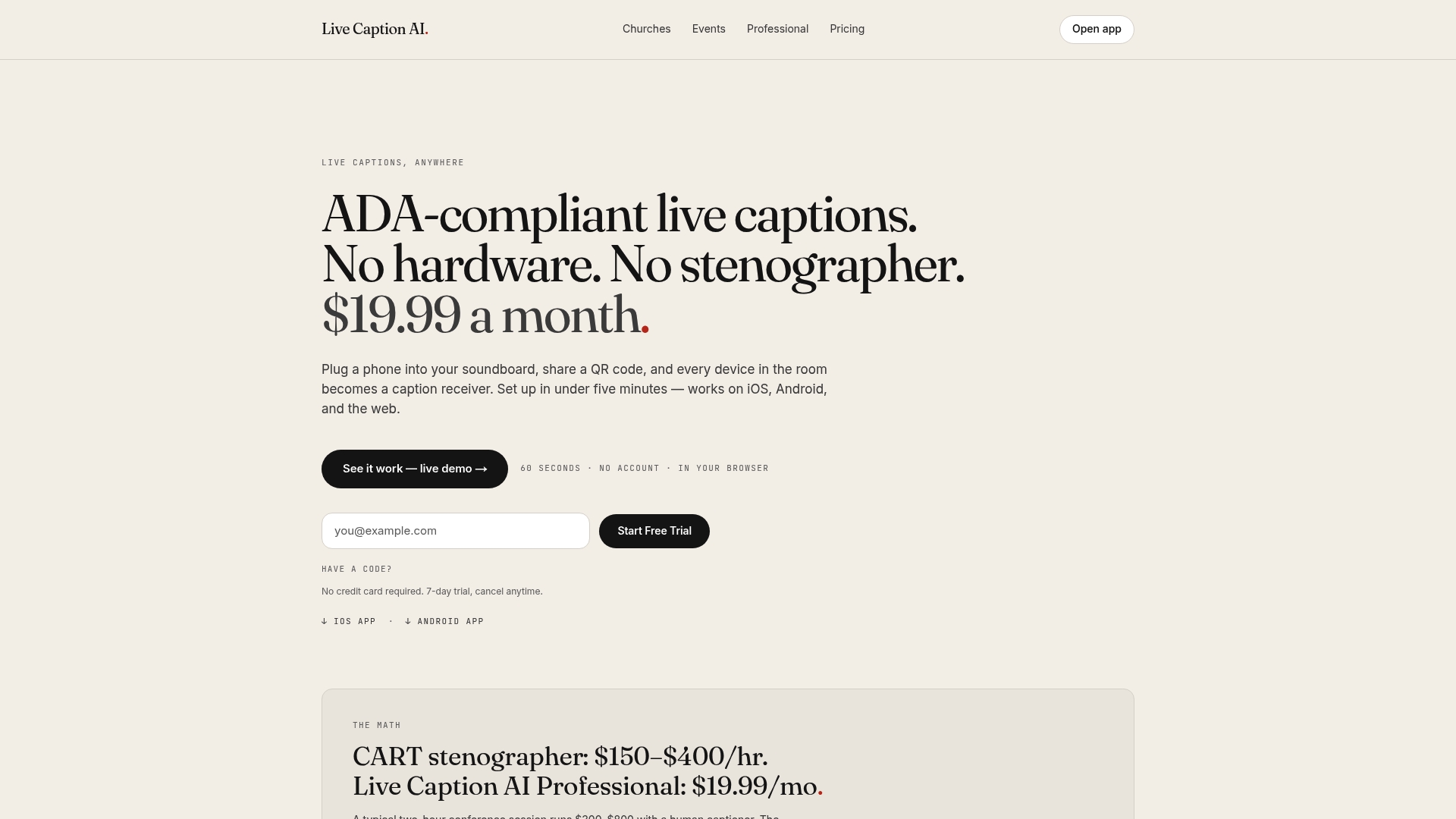
- Live captioning of sermons, meetings, classes and events is an accessibility job. Live Caption AI is $19.99 a month on the Professional plan, with no hardware and no stenographer.
- Session audio is never stored. Transcripts save to the speaker’s account, are readable only by the speaker, and can be deleted from History.
Table of Contents
- When speech-to-text touches HIPAA
- Why consumer speech-to-text is not a clinical records tool
- What clinical teams check before using speech-to-text with PHI
- Captioning a room is a different job
- Getting names and terms right
- Which tool for which situation
- What it costs
- Put live captions on every phone in the room
- Our view
- FAQ
- Sources
When speech-to-text touches HIPAA
HIPAA is a US privacy law. Its Privacy Rule protects what it calls protected health information. HHS defines PHI as individually identifiable health information held or transmitted by a covered entity or a business associate, in any form or media, that relates to health, health care or payment and identifies the person.
Two terms matter here:
- Covered entity: generally a health care provider that bills electronically, a health plan, or a clearinghouse.
- Business associate: a vendor that handles PHI on behalf of a covered entity.
That definition has three parts, and all of them have to be present: health information, an identifiable person, and a regulated organization holding it. Speech-to-text turns spoken words into stored or transmitted text. If a nurse dictates “Maria Lopez, 54, started metformin today,” the transcript is PHI and the tool is part of a regulated workflow. If a pastor says “please pray for our members who are ill this week,” there is no identifiable patient record and no covered entity involved.
Most of the rooms you caption fall in the second group. Still, some events sit close to health care: a hospital-run community seminar, a health ministry meeting, a continuing education session for clinicians. The safe habit is to know which kind of session you are running before you press start.
Why consumer speech-to-text is not a clinical records tool
The top search results on this topic share one message: a speech-to-text tool is not HIPAA compliant just because it transcribes accurately. HHS does not certify software, so a badge on a website is not proof either.
What counts is the agreement behind the tool. According to HHS business associate guidance, an app vendor providing transcription services to a physician is a business associate. A covered entity must obtain satisfactory assurances, in a written BAA, before it discloses PHI to that vendor. The BAA spells out permitted uses, bars other uses and disclosures, and requires the vendor to follow the Security Rule and report incidents and breaches.
Cloud processing follows the same logic.
So for a clinic that wants to dictate patient notes by voice, the first question is not accuracy. It is whether the vendor will sign a BAA and has the safeguards to back it. Live Caption AI is a live captioning and translation app for audiences, and we do not position it for clinical or courtroom use. Clinics that dictate patient records should choose a tool built and contracted for that purpose.

A patient using their own app is different
There is one case that surprises people. Guidance from the Center for Hearing Access states that a patient using their own speech-to-text app while receiving care does not violate HIPAA, and that security of the patient’s own app is the patient’s responsibility. Providers, by contrast, should not push PHI into third-party apps without safeguards on their own devices.
The same idea holds in a house of worship or at a conference: an attendee reading captions on their own phone is using their own device. What the organizer controls is what the speaker says into the microphone and what gets saved afterward.

What clinical teams check before using speech-to-text with PHI
If your event involves a covered entity, or an AV company is hired by one, it helps to know what that organization will ask. This is the checklist its compliance team works through, and it is why a clinical dictation tool and a live captioning tool are bought differently.
Law firm Foley & Lardner points out that one patient encounter can produce several PHI-containing records: audio files, transcripts, summaries, draft notes and system logs. Each has its own access, retention and disclosure questions. Their recommended checks include:
- Who owns and controls recordings, transcripts and summaries.
- Limits on how the vendor can use or disclose the data.
- Retention and deletion terms.
- Encryption in transit and at rest.
- Audit rights and breach notification.
The NIST guide to the HIPAA Security Rule adds that a risk analysis must cover every place electronic PHI is created, received, maintained, processed or transmitted, cloud providers included. It also lists technical safeguards such as unique user identification and audit controls.
None of this is a reason to worry about captioning your Sunday service. It is a reason to keep the two workflows separate. A clinic’s records process is governed by its own compliance officer and counsel. Your captioning process is about reach: making sure every person in the room can follow along.
Is the rule changing?
HHS published a proposal to strengthen the Security Rule in the Federal Register on January 6, 2025. It would make measures such as encryption and multifactor authentication mandatory rather than addressable. A proposal is not a final rule, so the current Security Rule is what covered entities follow until HHS finalizes any change. Their compliance teams track that; you do not need to.
Captioning a room is a different job
Here is the work most of our readers do. A church wants every member to follow the message, including people who are deaf or hard of hearing, newcomers with an accent to adjust to, and visitors who speak another language. An event organizer is weighing a human captioner’s fee against a smaller budget. An AV company has a multilingual conference to staff next month.
Live Caption AI is made for those rooms:
- The speaker runs it on a phone or laptop.
- Attendees scan a QR code and read live captions on their own phones. No app to install, no account to create.
- No hardware to rent and no stenographer to book.
- Live translation into one of 34 languages per session. The speaker picks one source language and one target language, and viewers can switch between the original and the translation.
- Unlimited device broadcasting to everyone who scans, plus a count of how many people joined your link, so you can see engagement.
For ADA purposes, an organization can use Live Caption AI as part of its effective-communication plan. It is an AI captioning tool, not a certified or human-reviewed service, and it does not make an organization ADA-compliant on its own. Plan accordingly: tell your audience captions are AI-generated, and keep your accessibility policy in writing.
How we handle what was said
Privacy questions are fair, even for a sermon or a staff meeting. Here is what Live Caption AI does:
- Session audio is never stored.
- Every session’s transcript is saved automatically to the speaker’s account.
- Transcripts are readable only by the speaker.
- Speakers can delete their transcript from History at any time.
- Transcripts can be exported as TXT, SRT, JSON or PDF, and AI summaries are included.
That last part is useful after the event. A church can turn a sermon transcript into a summary for the bulletin. A meeting organizer can send notes. An AV team can hand a client a clean SRT file for the recording.
Getting names and terms right
Generic speech-to-text stumbles on proper nouns. A name like “Habakkuk,” a venue in another city, or a drug name can come out as nonsense, and a caption that gets the key word wrong is worse than a slow one.
Live Caption AI gives you three ways to tighten that up before you go live:
- Worship & Ministry model for scripture, theology and church vocabulary.
- Medical model for health talks, wellness seminars and continuing education sessions.
- Finance & Earnings model for investor calls and budget meetings.
- Custom Terms: up to 100 names, places and terms the speaker types in before going live.
A practical routine: before each session, add the guest speaker’s name, the ministry names, the building names and any unusual terms. Ten minutes of preparation pays off for the full hour.
Health-related events are a good example. If your congregation hosts a nurse for a talk on managing diabetes, or a university runs a public lecture on cardiology, the Medical model helps with the vocabulary. It is for captioning what a speaker says to an audience. It is not for charting, and a patient’s case should not be discussed on a captioned screen. The same principle shows up in clinical teaching: good telehealth communication skills start with knowing who is listening and what they need to hear.
Which tool for which situation
| Situation | Is it a HIPAA matter? | What fits |
|---|---|---|
| Sermon, announcements, prayer time | Generally no covered entity or patient record involved | Live captions through a QR code, translation if needed |
| Conference keynote with multilingual attendees | No, unless a covered entity runs the session with PHI | Live captions and translation into one language per session |
| Staff meeting or class | Depends on the content | Captions for the room, and keep patient details out of the discussion |
| Health seminar for the public | Usually not, if no individual patient is discussed | Medical model plus Custom Terms for speaker and drug names |
| Clinician dictating patient notes | Yes, PHI | A records tool the clinic’s compliance team has approved under a BAA |
| Courtroom or deposition | Different rules entirely | Not a use we position Live Caption AI for |
The pattern is simple. If you are making a room accessible, you are in captioning territory. If you are creating a health record, you are in clinical-records territory with its own contracts.
What it costs
Buying cost matters for a church budget and an event line item alike. Live Caption AI’s plans, as published on the pricing page:
- Free: basic on-device captions.
- Professional: $19.99 a month, with unlimited captioning and summarization.
- Business: from $199 a month.
- Translation credit packs: 30 credits for $6.99, 60 credits for $11.99, or 120 credits for $19.99, each a one-off purchase.
Compare that with booking a human captioner for each service or event. For a church that meets every week, a flat monthly price is easier to plan around than a per-session fee.
Put live captions on every phone in the room
If you run services, meetings, classes or multilingual events and want captions without hardware or a stenographer, start with the Professional plan. You set up Custom Terms, pick your languages, share the QR code, and every phone in the room becomes a caption screen. AV companies can use the same workflow for client events across languages. Explore Live Caption AI to see the plans, or visit the Professional page for medical, legal and professional settings.
Free is a good place to try basic on-device captions. Professional unlocks the cloud features: translation, summaries and Custom Terms.
Our view
Most of the HIPAA confusion we hear comes from one assumption: that any tool turning speech into text is a health-records tool. It is not. A speaker opens the app, an attendee scans a QR code, and captions appear on their own phone. No app to install, no account, no hardware, no stenographer.
We are clear about what that is. It is an AI captioning tool, not a certified or human-reviewed service, and it is not for clinical or courtroom use. Inside that scope we try to do the work well: Medical, Worship & Ministry and Finance & Earnings models, up to 100 Custom Terms, translation into one of 34 languages per session, and session audio that is never stored.
If you run a church, an event or a multilingual conference, the practical step is to prepare your terms, pick your languages and share the code. That is how you reach more people for $19.99 a month.
Ryan
FAQ
Is speech-to-text HIPAA compliant?
Not by default. HIPAA applies when a covered entity or its business associate handles PHI, and that requires a BAA with the vendor. Live Caption AI is a live captioning tool for audiences and is not positioned as a HIPAA-compliant or clinical service.
Does my church need to worry about HIPAA when captioning services?
Usually not for the service itself, because a congregation is generally not a covered entity and a sermon is not a patient record. Keep identifiable health details of individuals out of what is spoken and captioned. If your church runs a clinic or health program, ask that program’s compliance lead how it handles records.
Are the transcripts private?
Session audio is never stored in Live Caption AI. Each session’s transcript is saved automatically to the speaker’s account, is readable only by the speaker, and can be deleted from History. Attendees only see captions live on their own phones.
Can I caption a health seminar for the public?
Yes. The Medical model and up to 100 Custom Terms help with clinical vocabulary and speaker names. Keep the session general, and do not discuss identifiable patients on a captioned screen.
Does live captioning satisfy the ADA?
An organization can use Live Caption AI as part of its ADA effective-communication plan. It is an AI tool, not certified or human-reviewed, and it does not make an organization ADA-compliant by itself.
Sources
- Summary of the HIPAA Privacy Rule, HHS
- Business Associates FAQs, HHS
- Guidance on HIPAA and Cloud Computing, HHS
- Patient Use of Speech-to-Text Apps in Healthcare Settings, Center for Hearing Access
- AI Transcription Tools in Health Care, Foley & Lardner
- NIST SP 800-66r2, Implementing the HIPAA Security Rule
- Federal Register, January 6, 2025, Security Rule proposal
- Empathy in a Telehealth OSCE, BoardMaster Blog