August 31, 2026 · 10 min read
Graduation Ceremony Captions in 3 Steps: QR Access for Families Abroad
Set up graduation ceremony captions in three steps so families abroad read live via QR, export a searchable transcript for archives, and meet...
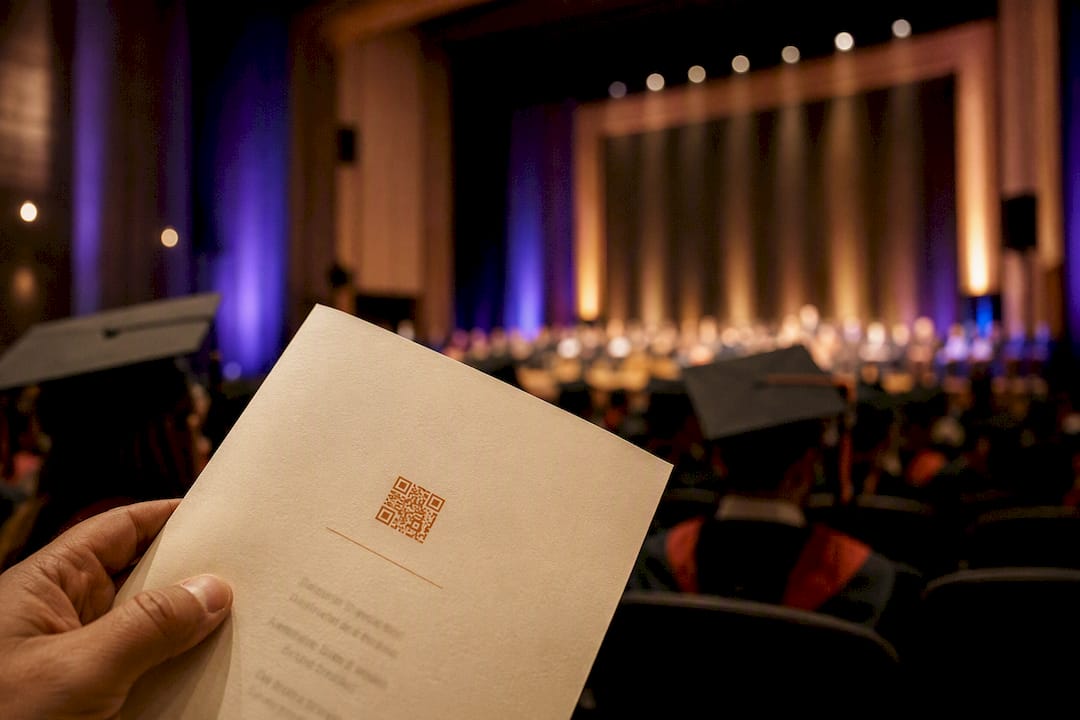
The most reliable way to give in-person and remote family members live access to a graduation ceremony is device-accessible real-time captions delivered by QR code or URL, fed from the venue’s direct audio and tested during rehearsal. Text-only delivery means translation and pronunciation have limits, so high-stakes commencements should lean toward professional or hybrid captioning. Live Caption AI fits this exact workflow for schools that need it running fast.
TL;DR:
- Automated AI captions are suitable for small or routine ceremonies, while hybrid or professional services are recommended for larger or formal events.
- Booking captioning services should start 6 to 8 weeks before the ceremony, with final program details sent 1 to 2 weeks prior for optimal accuracy.
- Direct, wired audio feed from the venue’s sound system is essential to prevent latency issues and ensure caption synchronization with the speaker.
- Providing QR codes for caption access and a detailed speaker glossary before the event significantly reduces technical and recognition errors during the ceremony.
- Using transcripts and custom terms after the event enhances accessibility records and engagement, especially when families follow the proceedings remotely.
Table of Contents
- What Do Real-Time Graduation Ceremony Captions Actually Provide?
- What’s the Timeline for Booking Ceremony Captions?
- What Accessibility Rules Apply to Graduation Ceremonies?
- How Do You Avoid Latency and Sync Problems?
- How Do Attendees and Remote Family Access the Captions?
- Does Live Caption AI Fit This Exact Workflow?
- What Do Experienced Organizers Wish They’d Known Sooner?
- Ready to Set Up Captions for Your Ceremony?
- Where to Learn More About Ceremony Accessibility
- Sources
What Do Real-Time Graduation Ceremony Captions Actually Provide?
Live captions turn spoken audio into on-screen text as the ceremony happens, and they help far more people than most organizers expect. Deaf and hard-of-hearing attendees benefit directly, but so do non-native English speakers, grandparents in a loud gymnasium, and any parent watching from an airport lounge overseas with the sound off.
Not all captioning is built the same, and matching the right tier to the event matters:
- Automated AI captions: fast to deploy, no lead time, best for routine ceremonies and smaller schools.
- Hybrid captioning: AI-driven with light human oversight, a middle ground for lectures and mid-size events.
- Professional CART services: human stenographers for maximum accuracy, recommended for large university-wide commencements or formal ADA-driven requests.
A district-wide high school graduation with many families rarely needs the same service level as a university commencement broadcast to alumni across multiple continents. Match the tool to the stakes, not the other way around.
What’s the Timeline for Booking Ceremony Captions?
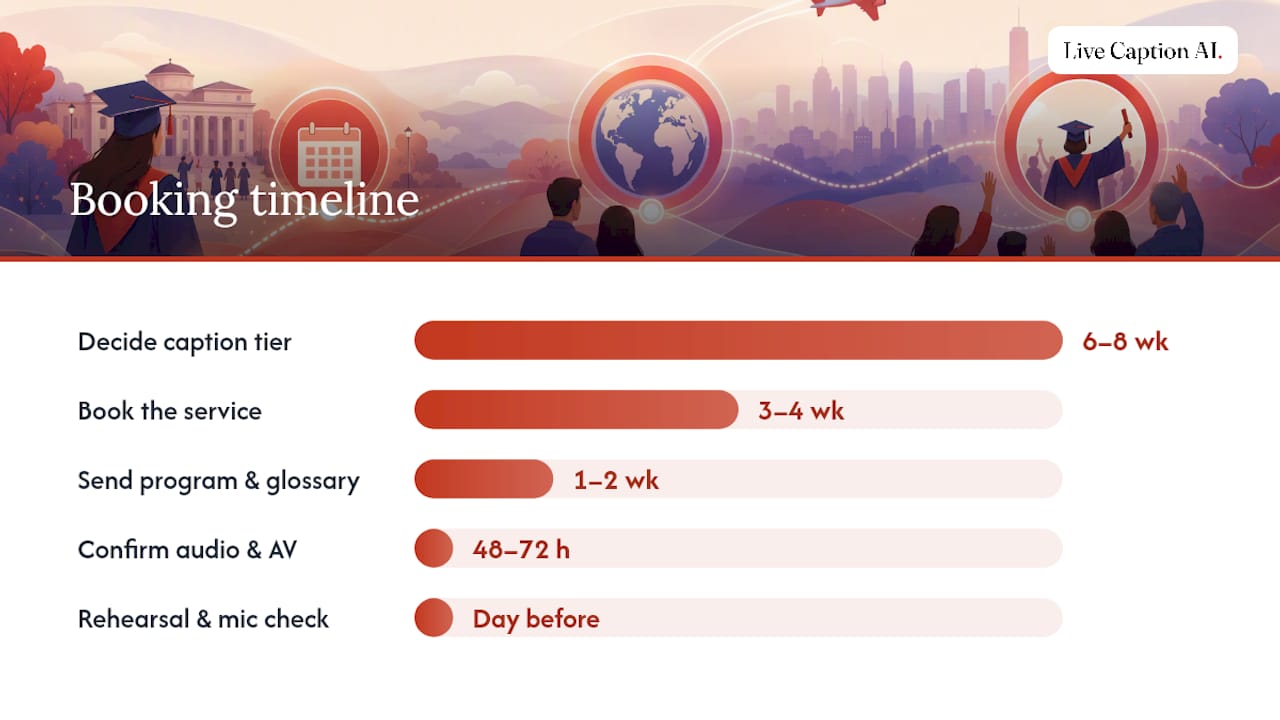
Automated captioning can go live almost immediately, but anything involving human review or custom glossary work needs a real runway. Build your prep around this rough schedule:
- 6 to 8 weeks out: Decide on captioning tier (automated, hybrid, or professional CART) based on ceremony size and formality.
- 3 to 4 weeks out: Book the service, especially for hybrid or professional captioners, since advance scheduling is standard practice for graduation accessibility.
- 1 to 2 weeks out: Send the program, speaker order, and a glossary of names, majors, honors societies, and any Latin or foreign-language terms likely to appear.
- 48 to 72 hours out: Confirm the venue’s direct audio feed source and identify an on-site AV contact.
- Day before or morning of: Run a full rehearsal with live mic checks and a caption latency test.
Pro Tip: Send speaker names phonetically, not just spelled correctly. “Nguyen” and “Siobhan” trip up even careful human readers, let alone automated systems reading them cold.
Skipping the glossary step is the single most common reason captions stumble on graduation day, as shown by the history of Youtube to Transcript — product evolution in improving automated transcription accuracy. Names, majors, and honor society titles rarely appear in general vocabulary, and advance scripts and glossaries measurably improve recognition accuracy during live events.
What Accessibility Rules Apply to Graduation Ceremonies?
Public institutions are generally expected to provide effective communication access at ceremonies open to the public, and captions are one piece of that obligation alongside interpreters and assistive listening devices. Professional captioning becomes the safer choice whenever a formal accommodation request comes in, rather than relying solely on automated tools.
Captions and American Sign Language interpreters solve different problems, and one does not replace the other:
- Honor every ASL interpreter request regardless of whether captions are also offered.
- Publish accommodation request procedures on the ceremony program and school website well before the event.
- Post QR codes prominently around the venue and in printed programs so families know captions exist before the processional starts.
- Some campuses now offer multilingual QR-based captioning while still keeping ASL interpretation available on request.
Providing captions proactively, rather than only after someone asks, cuts down on last-minute accommodation scrambles and signals that accessibility was part of the plan from day one, not an afterthought bolted on the week before.
How Do You Avoid Latency and Sync Problems?
The single most common technical failure at graduation captioning is routing the wrong audio source. Streaming feeds and camera audio typically carry a multi-second delay, and pulling captions from that stream instead of a direct feed causes captions to visibly lag the speaker, which confuses in-room attendees far more than no captions at all.
The fix is straightforward: run a hardwired line out from the venue’s house sound mixer directly into the captioning system, bypassing the livestream entirely for in-room caption audio.
Before doors open, walk through this checklist:
- Test every microphone that will be used, including handheld mics passed between student speakers.
- Enforce single-speaker turns where possible; overlapping voices degrade caption accuracy fast.
- Run a live latency check with someone standing at the back of the venue watching a phone screen.
- Confirm a fallback plan (printed QR backup, secondary link) in case the primary connection drops.
Assign three roles clearly: an on-site AV contact who owns the audio feed, a captioning operator monitoring output quality, and an event producer tracking speaker transitions so the captioning team knows who’s next.
Pro Tip: Do the latency test with actual ceremony content, not silence. A test tone tells you nothing about how the system handles a valedictorian speaking fast through applause.
How Do Attendees and Remote Family Access the Captions?
Getting into the caption feed should take seconds, not a support call. Universities commonly post QR codes around the venue and on printed programs precisely because it requires no app download and no account for the person viewing.
The flow works like this: scan the QR code or open the shared URL, select a language if translation is enabled, and read captions live on any phone or tablet. It’s worth being upfront with families about the format. This channel delivers text only, never audio or video, so a grandmother watching from another country gets scrolling captions on her screen, not a video window. Calling it a livestream sets the wrong expectation.
A few practical limits matter here:
- Each session runs one source language to one target language, not simultaneous multi-language broadcast.
- Name pronunciation isn’t guaranteed even with translation enabled; a custom glossary submitted in advance helps but doesn’t eliminate every miss.
- After the ceremony ends, transcripts export as TXT, SRT, JSON, or PDF for archiving, closed captioning on video replays, or repurposing into a school newsletter recap.
Does Live Caption AI Fit This Exact Workflow?
Live Caption AI was built around the same checklist schools and churches already need for commencement day. Attendees scan a QR code and read captions on any device with no app install, and the platform supports 29 languages with one source language mapped to one target language per session, matching how translation actually needs to work for a live event rather than promising simultaneous multi-language output it can’t deliver.
Here’s what organizers get in practice:
- Exportable transcripts in TXT, SRT, JSON, and PDF for reuse in archives, social clips, or accessibility records.
- Custom Terms upload so student names, degree titles, and honor society names get flagged before the processional starts, not discovered mid-ceremony.
- Audio is never stored, and transcripts stay owner-only, which matters when a ceremony includes minors or sensitive family information.
- A Pro plan at $19.99 a month, well under typical professional stenography rates for a single event; the Free plan requires signup, though the demo runs without one.
- Up to three speaker links (school site, yearbook order page, newsletter signup) that stay clickable on the caption screen even after the ceremony ends.
For schools weighing automated captions against a full CART booking, this middle path covers the accessibility requirement and gives remote family something to actually click on afterward.
What Do Experienced Organizers Wish They’d Known Sooner?
Every graduation caption failure I’ve seen traces back to skipping rehearsal. Not a soundcheck, an actual full run where someone watches the caption screen from the back row while a stand-in reads the valedictorian’s speech at normal pace.
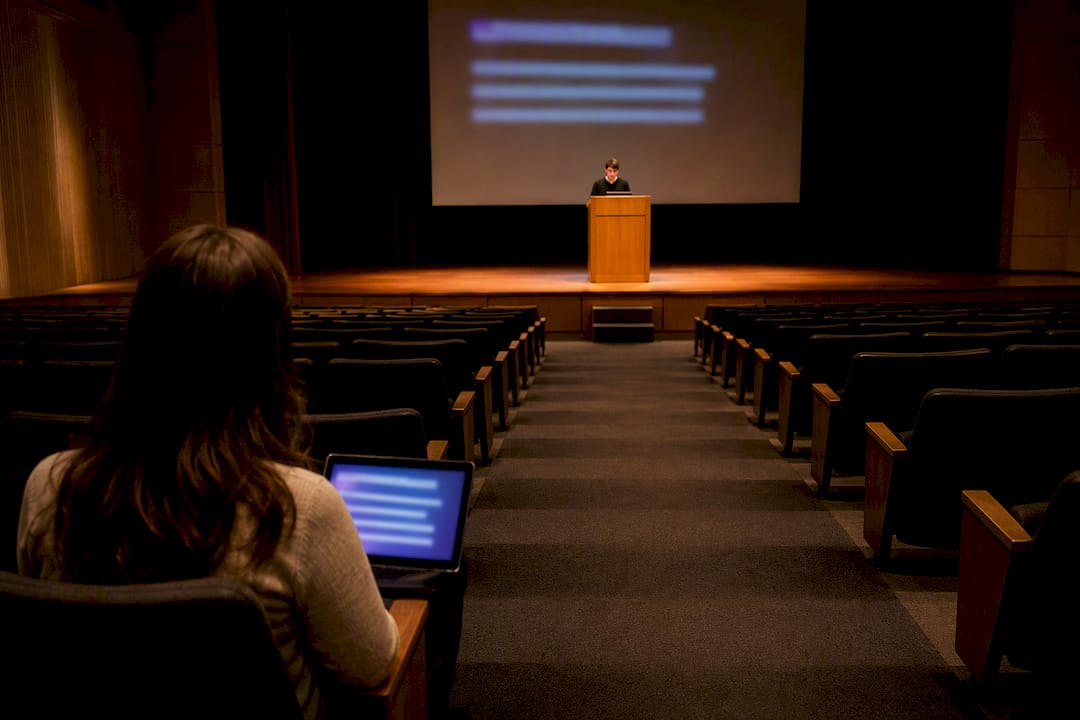
The three mistakes that repeat every season: pulling caption audio from the livestream feed instead of a direct line out, showing up without a glossary so the system guesses at every last name, and forgetting signage, so half the gymnasium never realizes captions exist at all. None of these are hard problems. They’re just easy to forget when you’re juggling seating charts and diploma order three days before the ceremony.
What gets undersold is the engagement side. A transcript that’s accurate enough to export becomes a searchable record of the whole ceremony, and adoption climbs fast once families realize the link actually works, from a handful of early testers to dozens of relatives following along from wherever they happen to be that day.
— Ryan
Ready to Set Up Captions for Your Ceremony?
Live Caption AI is the practical alternative to booking a stenographer for a single afternoon. Instead of paying event-day rates that can run into the hundreds of dollars, you get QR-based captions, custom name and glossary support, and transcript exports for a flat $19.99 a month on the Pro plan.

Getting set up before graduation day takes three steps: sign up and run a quick audio test with your venue’s sound system, generate the attendee QR code for programs and signage, and upload your speaker glossary with names, majors, and honor titles ahead of the ceremony. Remote family members open the link and start reading captions the moment the processional music starts, no app, no login required on their end. Visit the Live Caption AI professional page to see plan details and get your ceremony set up before your next rehearsal.
Where to Learn More About Ceremony Accessibility
For deeper guidance beyond this checklist, the National Deaf Center’s graduation accessibility resource covers interpreter coordination in detail, while Colorado State University’s commencement accessibility page shows how one campus structures QR-based caption access in practice. Both are worth bookmarking before your next planning cycle.
Sources
- Providing Live Captions for Events | Digital Accessibility Services (Harvard)
- Creating access: Graduation events (National Deaf Center)
- Commencement accessibility information (Colorado State University)